VESSEL MENU
118 eng
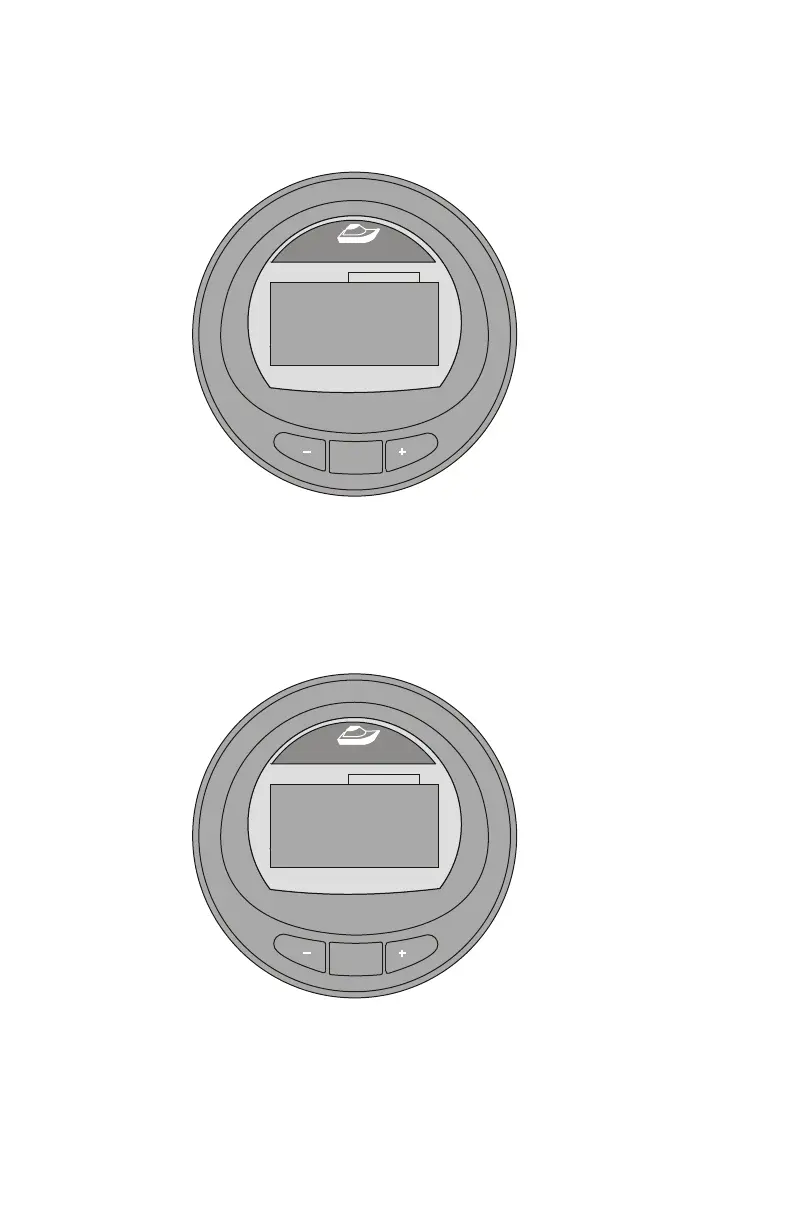
3. Press the "–" button for "Yes," or press the "+" button for
"No".
MODE
36619
Range
[ YES ]
M/G
- - -
[ NO ]
Inst.
Est. Range
Tot. Used
MI
M/G
GAL
0.0
- - -
0.0
Average Fuel Eco
Reset ?
4. After pressing either button, a pop‑up window appears
asking if the total fuel used should be reset ("Fuel Used
Reset?").
5. Press the "–" button for "Yes," or press the "+" button for
"No."
MODE
36620
Range
[ YES ]
M/G
- - -
[ NO ]
Inst.
Est. Range
Tot. Used
MI
M/G
GAL
0.0
- - -
0.0
Fuel Used Reset ?
6. Press the "–" button to return to the "Main Menu," or press
the "MODE" button to go to the next screen.










 To Next Page