PROPULSION MENU
74 eng
Using Propulsion Screens
The "Propulsion" menu screens will display information about the
boat propulsion systems. Screens that are available in the
"Propulsion" menu may vary according to the engine type, but
may include the following:
• Battery voltage
• RPM
• Water pressure
• Coolant temperature
• Oil temperature
• Oil pressure
• Peak speed
• Boost pressure
• Peak RPM
• Trim position
• Tab position
• Troll control
• Smart Tow
Available Propulsion Screens
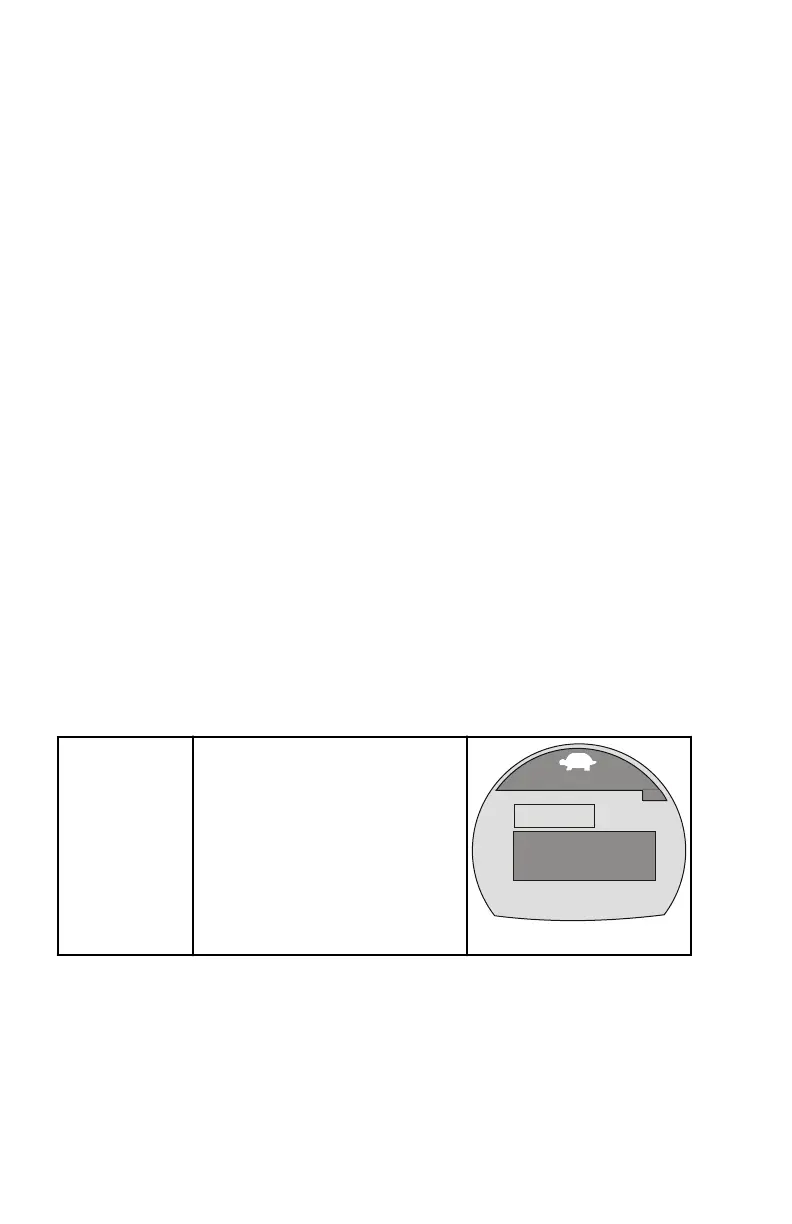
Troll Control
Displays an icon to indicate the
troll control is turned on or off. It
can be controlled with the
vessel speed through the active
sensor or with the engine RPM.
Troll Control
[DOWN]
36114
ON
[MODE]
[ UP ]
MUST BE IN IDLE
SET
MPH
MPH
PDL
4.5
4.8
OFF










 To Next Page