PROPULSION MENU
84 eng
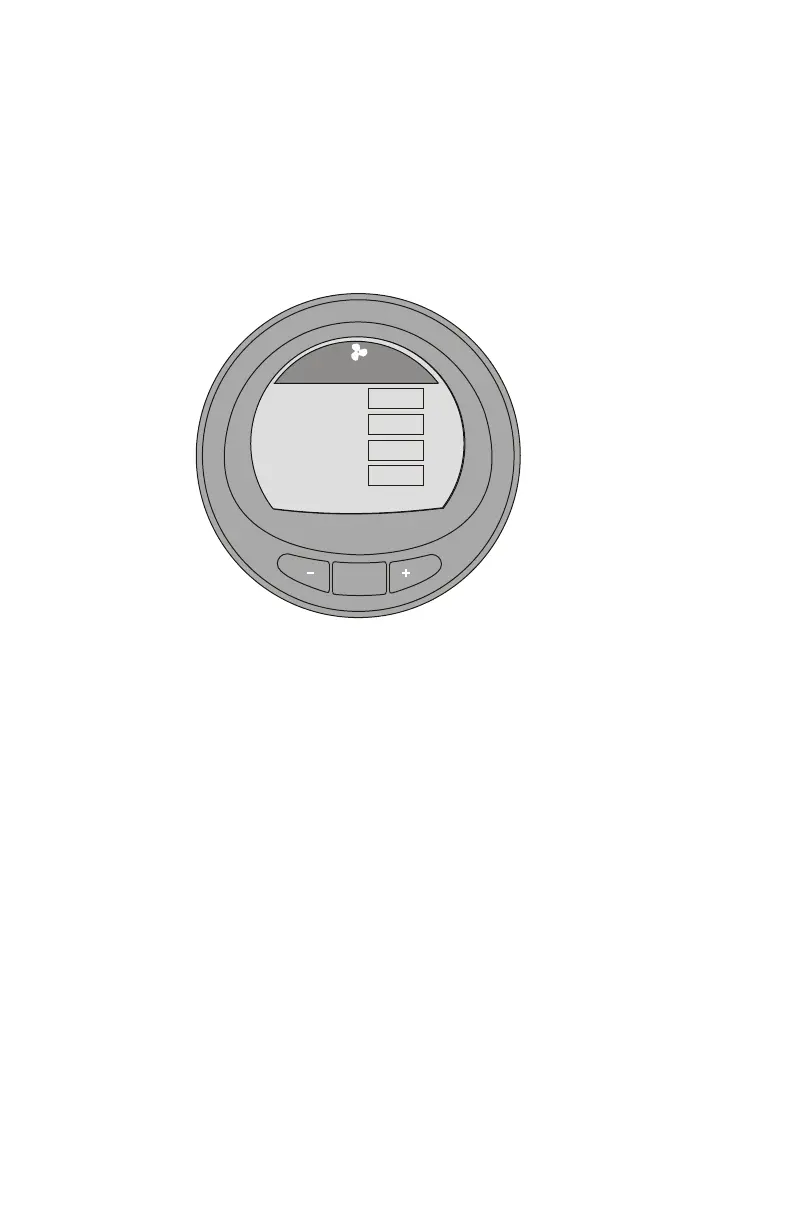
Peak Speed Screen
The "Peak Speed" screen displays the engine RPM, vessel
speed through the active sensor, the peak vessel speed, and
what the engine RPM was at that peak vessel speed. The peak
values information will automatically update when the recorded
values are exceeded.
MODE
36089
RPM
Speed
Peak Speed
RPM @ Speed
RPM
MPH
PDL
RPM
2050
12.7
58
5800
MPH
[OPTION]
Peak Speed
[ EXIT ] [ NEXT ]
RESET PEAK VALUES
The peak values can be reset to record new information.
1. Press the "+" button to open the option to reset the peak
values.










 To Next Page