PROPULSION MENU
eng 85
2. Press the "–" ("YES") or "+" ("NO") to reset the peak values.
The screen will return to the "Peak Speed" screen.
MODE
36092
RPM
Speed
Peak Speed
RPM
MPH
PDL
RPM
2050
12.7
58
5800
MPH
[ NO ]
Peak Speed
[ YES ]
Reset Peak Values ?
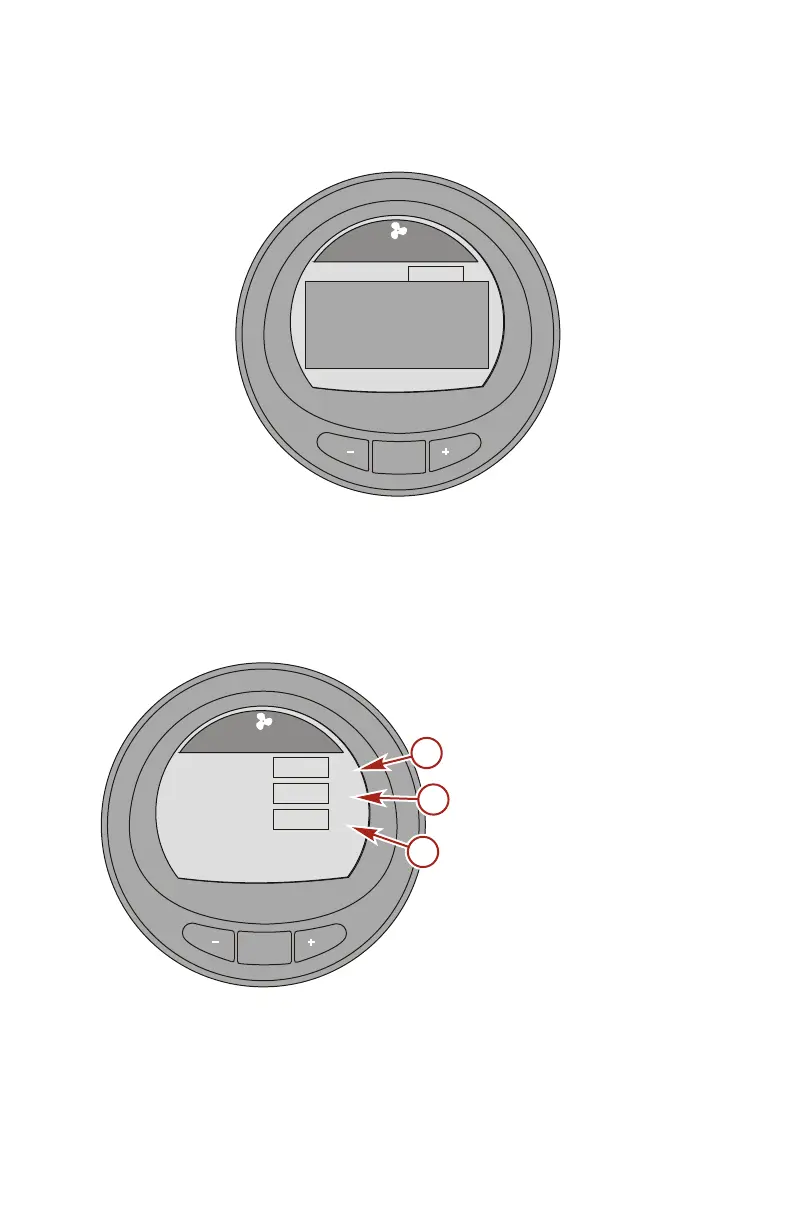
Fuel Pressure Screen
The "Fuel Pressure" screen displays the engine RPM, fuel
pressure, and amount of fuel that is currently used per hour. The
fuel flow is calculated by the PCM/ECM.
a - RPM
b - Fuel pressure
c - Fuel flow
MODE
36093
Fuel Pressure
[ EXIT ] [ NEXT ]
RPM
Fuel Press
Fuel Flow
RPM
BAR
2050
12.7
8
L/H
a
b
c










 To Next Page