VESSEL MENU
eng 123
To Waypoint Screen
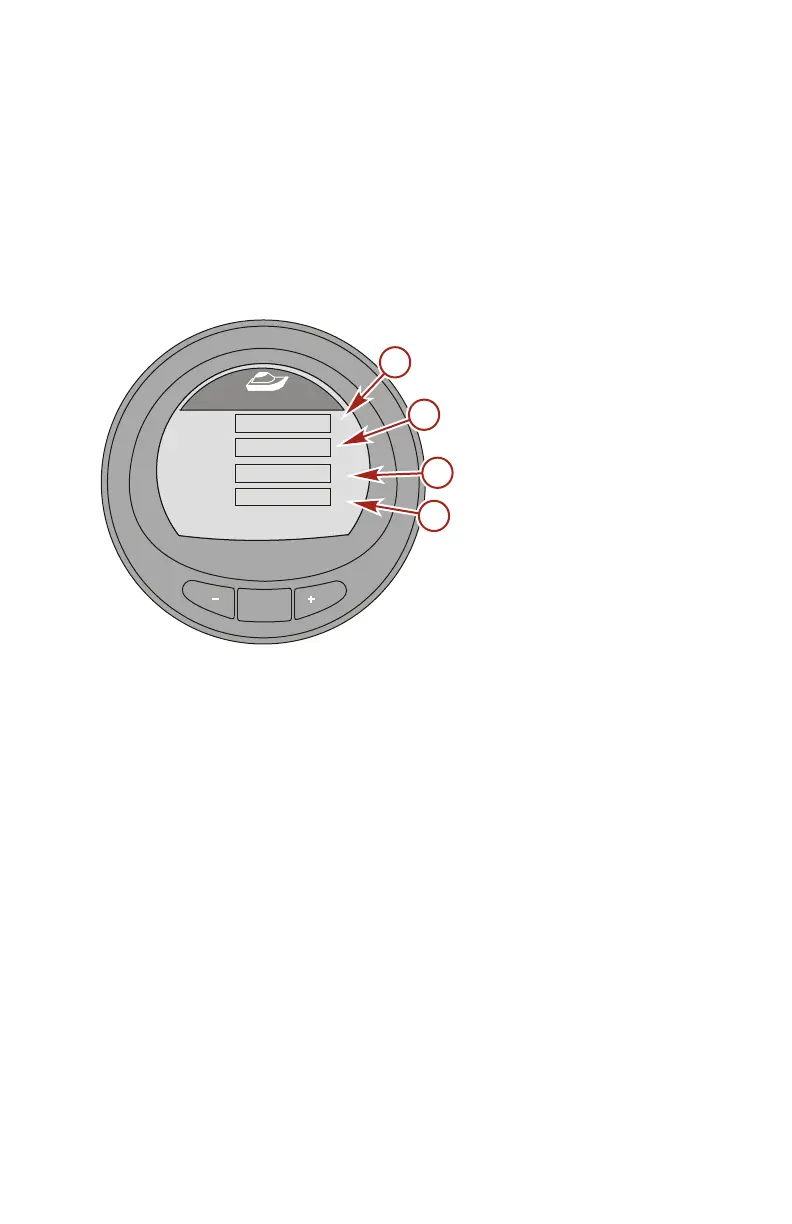
The "To Waypoint" screen displays the amount of time required
to reach the waypoint, the compass bearing towards the
waypoint, the distance to the waypoint, and the amount of fuel
required to the waypoint. A GPS and chart plotter or a device
capable of generating waypoints must be installed for this option
to display information.
a - Time
b - Compass bearing
c - Distance
d - Fuel
Press the "–" button to return to the "Main Menu," or press the
"MODE" button to go to the next screen.
MODE
36646
[ NEXT ]
To Waypoint
[ EXIT ]
Time
Bearing
Dist
Fuel
H
- - -
- - -
- - -
- - -
o
MI
GAL
a
b
c
d










 To Next Page