PROPULSION MENU
88 eng
Double Screen
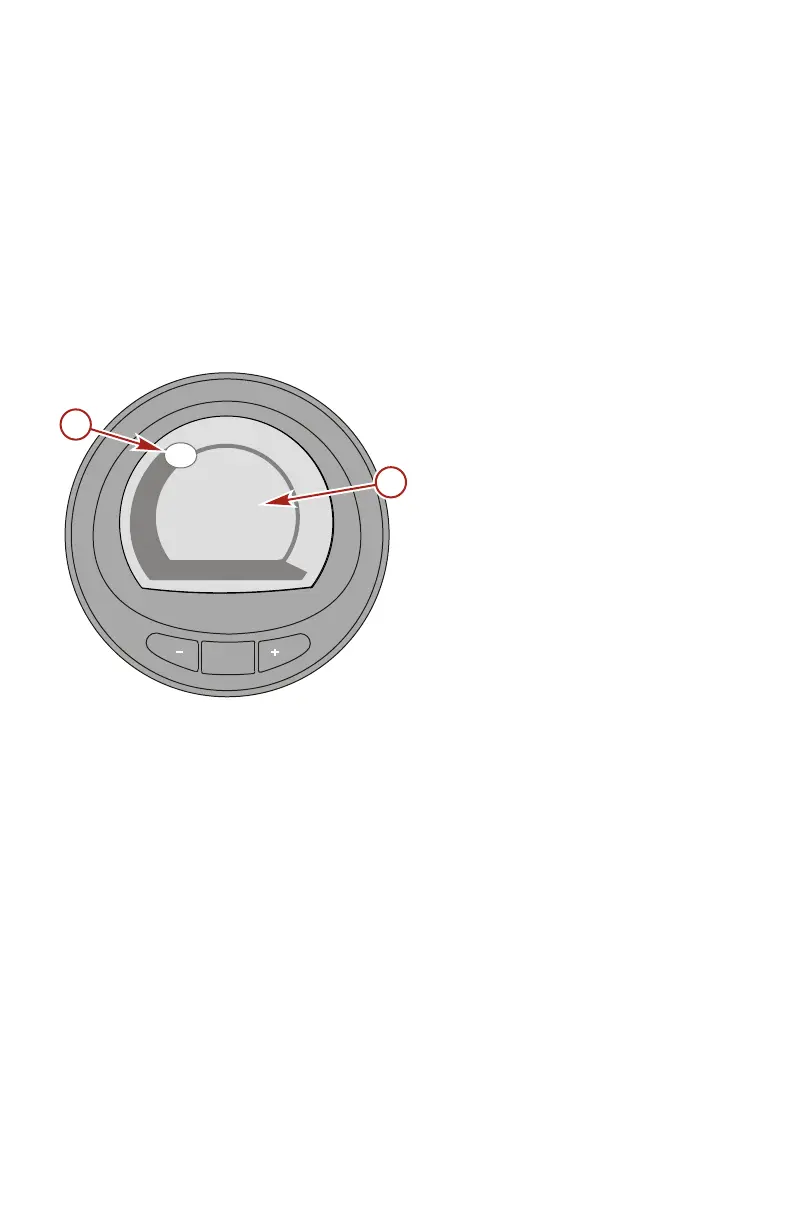
The double screen displays two selected data options on an
outer and inner display. The outer data will be displayed as a bar
graph with a small window that moves with the bar graph leading
edge. The inner data will be displayed as numbers. Options that
can be selected are; "RPM," "Speed," "Coolant Temp," "Oil
Temp," "Seatemp," "Water Press," "Oil Press," "Fuel Flow,"
"Fuel," "Battery," and "Depth." There are five double screens
available.
a - Moving window
showing the engine
RPM
b - Vessel speed
MODE
42343
0
1
2
3
4
5
6
7
8
3280
RPM
Speed(MPH)
19.8
b
a










 To Next Page