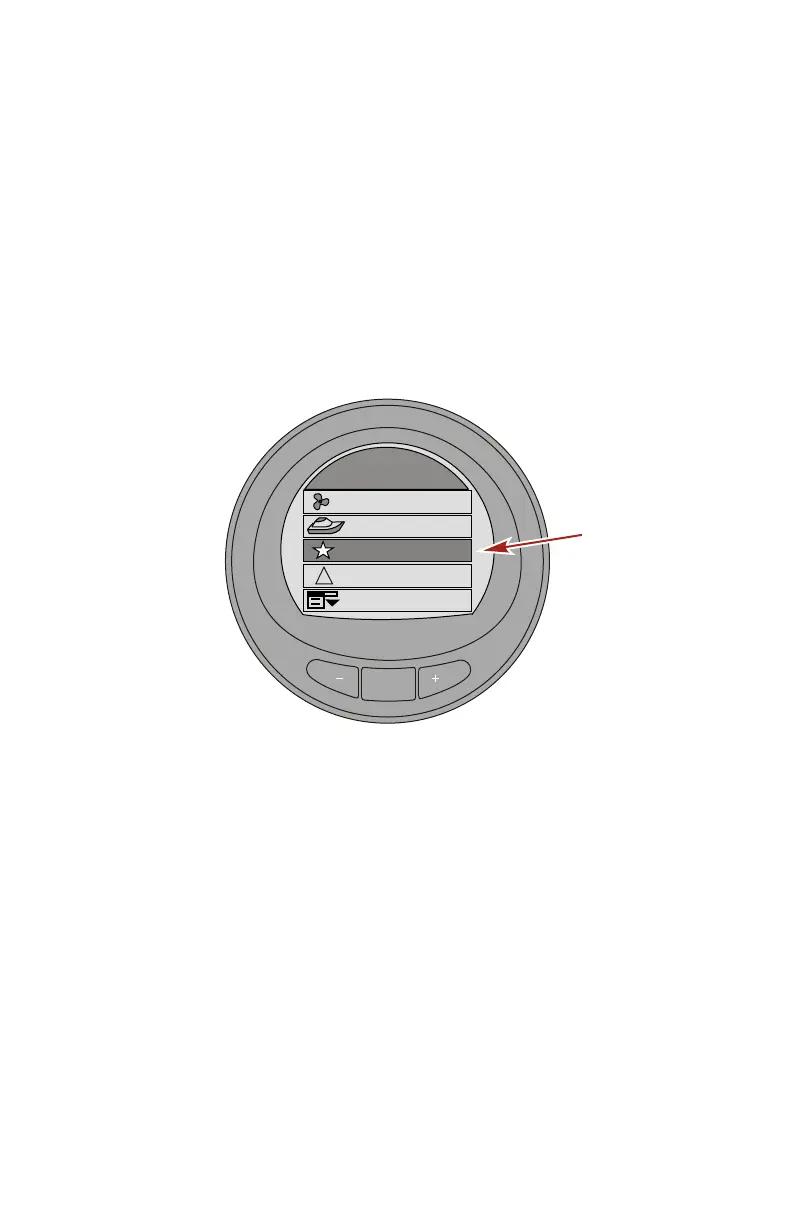
FAVORITE SCREENS
eng 135
Favorites Screen Features and Options
The "Favorites" is an optional feature that will show specific
screens selected by the operator to be reviewed quickly. The
favorites will remain on the screen for a specific amount of time.
This time can be one second up to 30 seconds. Up to nine
favorite screens can be selected from the "Propulsion" menu,
"Vessel" menu, or "Full Screens" menu. After selecting the
screen desired to be displayed on the favorites, use the "–" or "+"
button to highlight the "Favorites" menu option. Press the
"MODE" button to view the favorites.
MODE
Main Menu
Propulsion / ST
Vessel
42344
Settings
Alarms
!
Favorites










 To Next Page