FULL SCREENS
134 eng
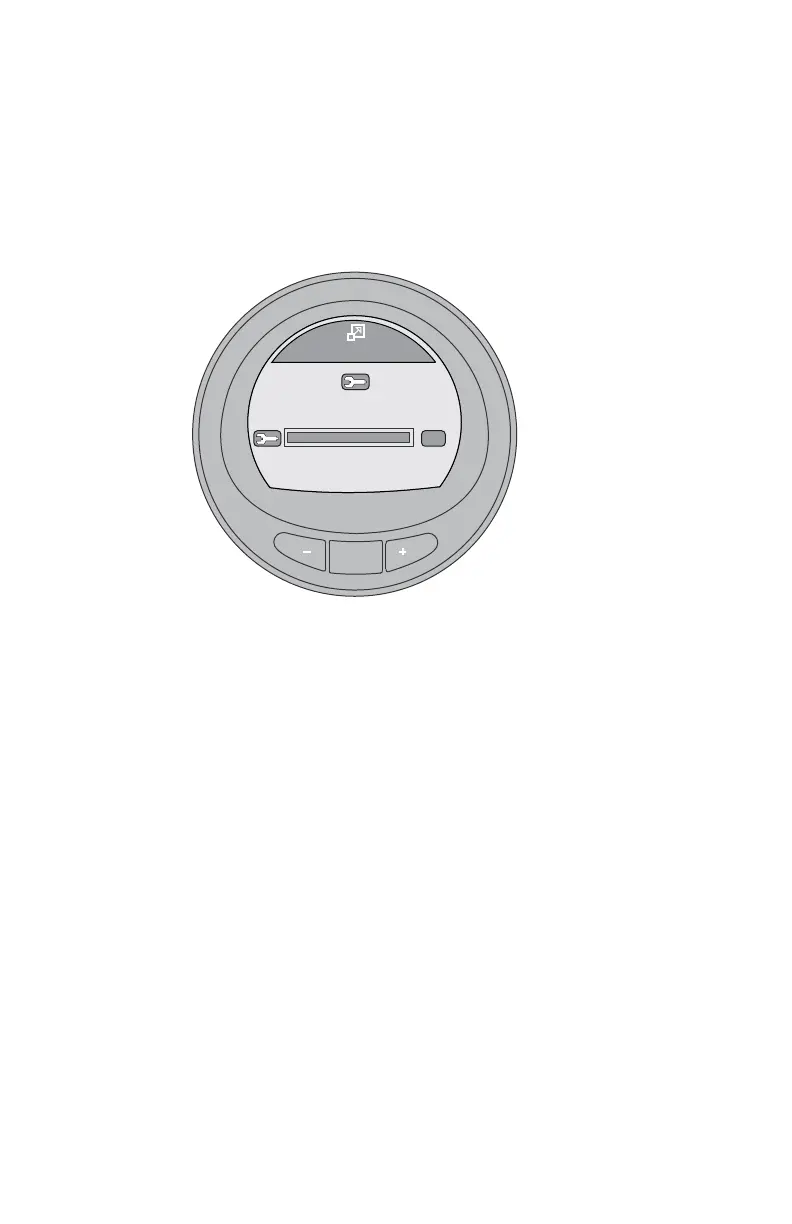
6. After pressing the "–" button ("YES") to reset the scheduled
maintenance screen, the bar graph will reset to 100 hours.
Press the "–" to exit the "Maintenance" window and return to
the main menu, or press "NEXT" to exit the maintenance
screen to the next full screen, or press "MENU" to repeat the
scheduled maintenance reset process.
MODE
Maintenance
Scheduled Maintenance
OK
GEN. MAINTENANCE
[EXIT] [MENU][NEXT]
50391










 To Next Page