VESSEL MENU
120 eng
Tanks
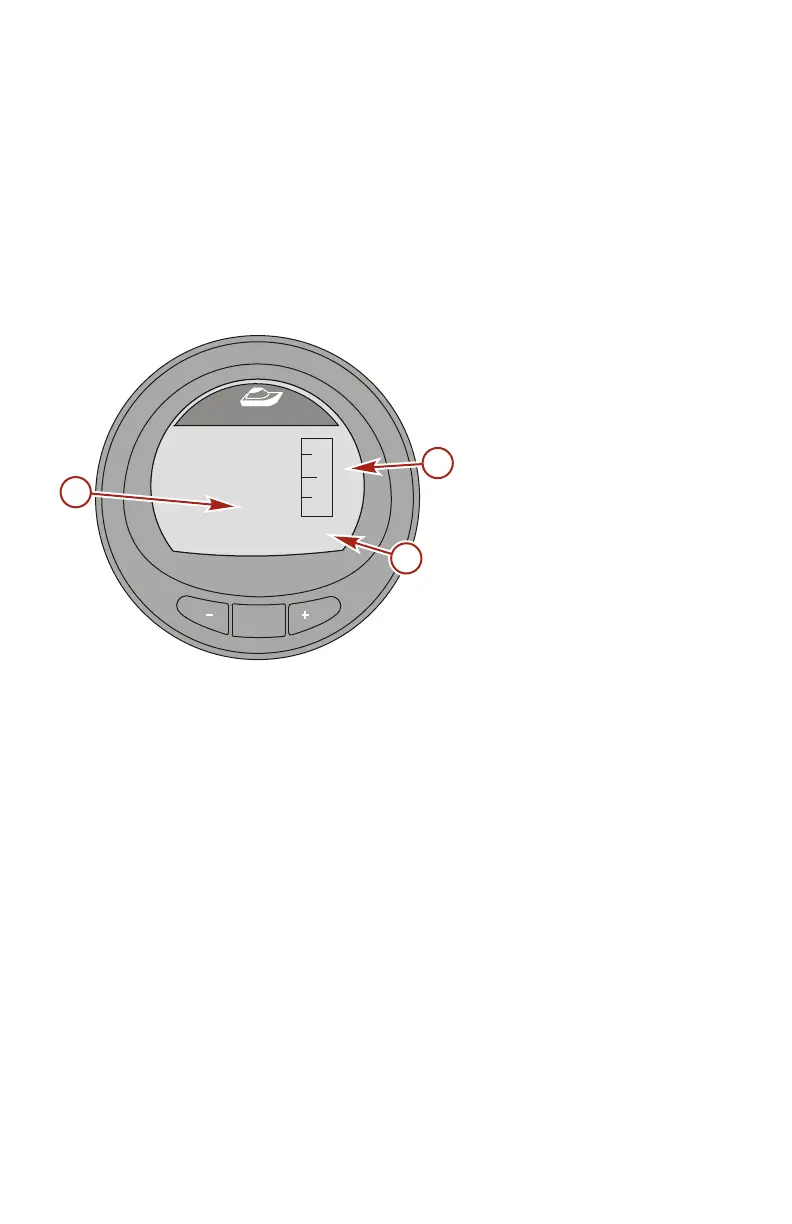
FUEL TANK 1
The "Fuel Tank 1" screen displays the level of the fuel tank, the
location of the fuel tank, and will display "FAULT" when there is a
problem with the fuel tank. It can also be selected as not
installed ("Not inst"). When selected as not installed, the "Fuel
Tank 1" screen will not be accessible.
a - Fuel tank fault
("FAULT")
b - Fuel level
c - Tank location
TANK 2
"Tank 2" can be selected as not installed ("Not inst"), fuel, water,
or waste when connected to a four‑stroke engine. When selected
as fuel, the level can be calibrated with a default setting, or by
adding fuel. When selected as water or waste, the level is
automatically calibrated to the default setting.
MODE
36636
[ NEXT ]
Fuel Tank1
[ EXIT ]
FAULT
E
F
STBD
a
b
c










 To Next Page