SETTINGS
eng 39
NOTE: Tank capacity must be calibrated by either the "Default
Calibration," or "Add Fuel Method," or the capacity will revert
back to its former value.
TANK 1
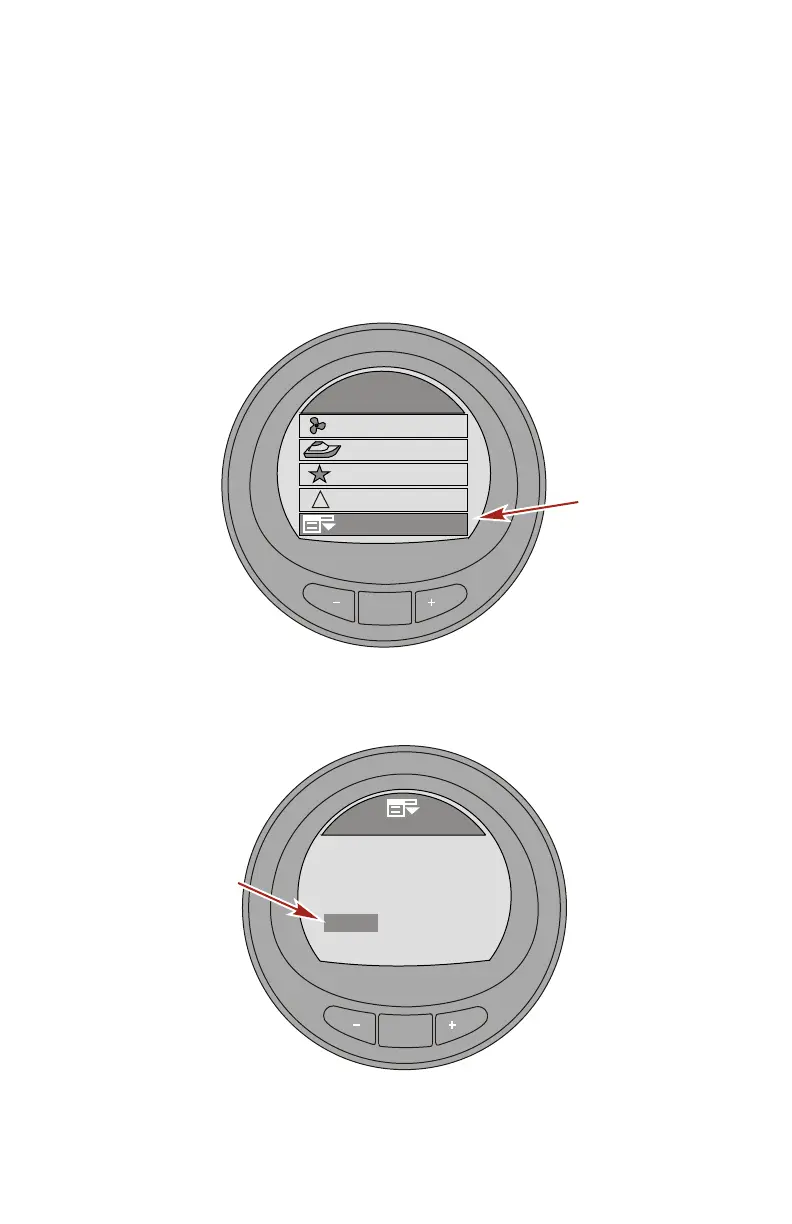
1. While in the "Main Menu," press the "–" or "+" button to
highlight the "Settings" menu.
2. Press the "MODE" button to enter the "Settings" menu.
MODE
Main Menu
Propulsion / ST
Favorites
Vessel
33077
Settings
Alarms
!
3. Press the "–" button to highlight the "Tanks" menu.
4. Press the "MODE" button to edit the "Tanks" menu.
MODE
Settings
42219
Screens
Light/Contrast
Trim
[DOWN]
[EDIT]
Tanks
Units
[ UP ]
5. Press the "MODE" button to edit the "Tank 1 Type" option.










 To Next Page