SETTINGS
eng 45
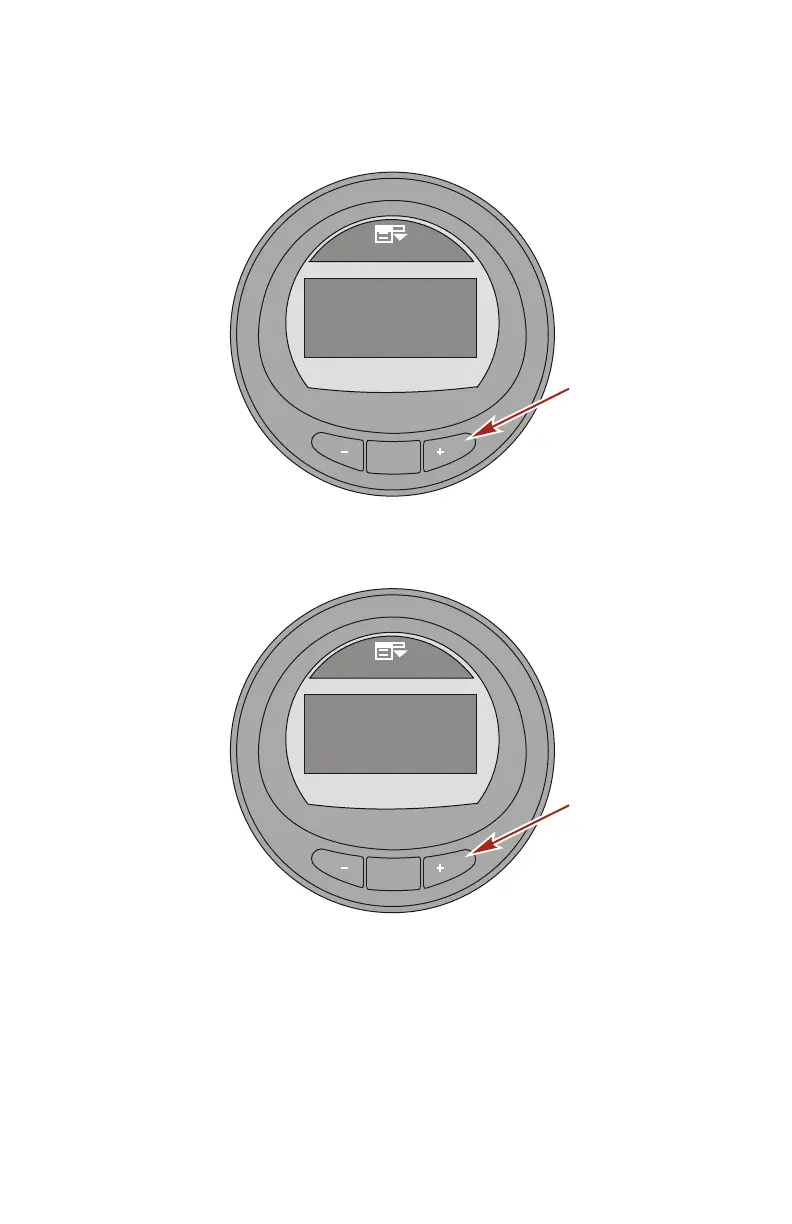
22.Add 25 percent more fuel capacity to fill the fuel tank. Press
the "+" button to save the calibration.
MODE
36792
Tanks
Tank 1 Type
[ SAVE ]
Tank 1 Vol
Tank 1 Cal
Tank 2 Type
Tank 2 Vol
100.0 G
Not inst.
Fuel
Fill until full: 100.0
Gallons
Press Plus Button
when ready!
23.The screen on the monitor will state the fuel tank
calibrations is successful ("Calibrations OK").
MODE
36793
Tanks
Tank 1 Type
[ OK ]
Tank 1 Vol
Tank 1 Cal
Tank 2 Type
Tank 2 Vol
100.0 G
Not inst.
Fuel
Calibrations OK
24.Press the "MODE" button to exit the calibration process.
25.Press the "–" button to edit the "Tank 2 Type" option.










 To Next Page