SETTINGS
eng 55
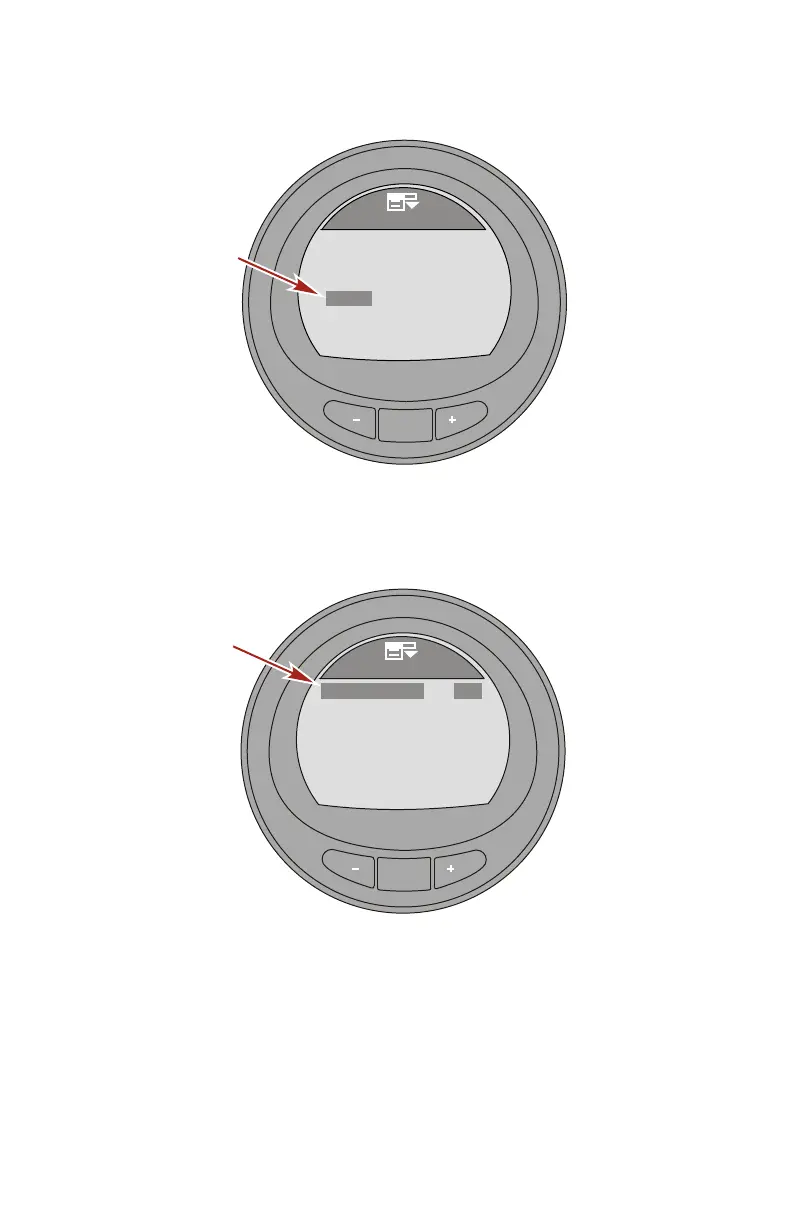
3. Press the "–" button to highlight the "Clock" menu.
MODE
Settings
42284
SmartTow
[DOWN]
[EDIT]
Alarms
Ext. Sensors
[ UP ]
Clock
Offsets
4. Press the "MODE" button to edit the "Clock" menu.
5. Press the "MODE" button to change the "Clock Format"
option to 12 hour ("12h"), or 24 hour ("24h").
MODE
35827
GPS UTC
GPS Update
[DOWN]
[EDIT]
Hour
[ UP ]
Clock
Clock Format
24h
Min
13
45
No
0h
6. Use the "+" or "–" button to highlight the options and use the
"MODE" button to turn the option on ("Yes") or off ("No").
NOTE: A GPS must be connected to the monitor for the "GPS
Update" to function, set waypoints, display GPS speed, UTC
time, latitude, and longitude. A SmartCraft GPS puck must be
installed to use the GPS speed based cruise control.










 To Next Page