- 31 -
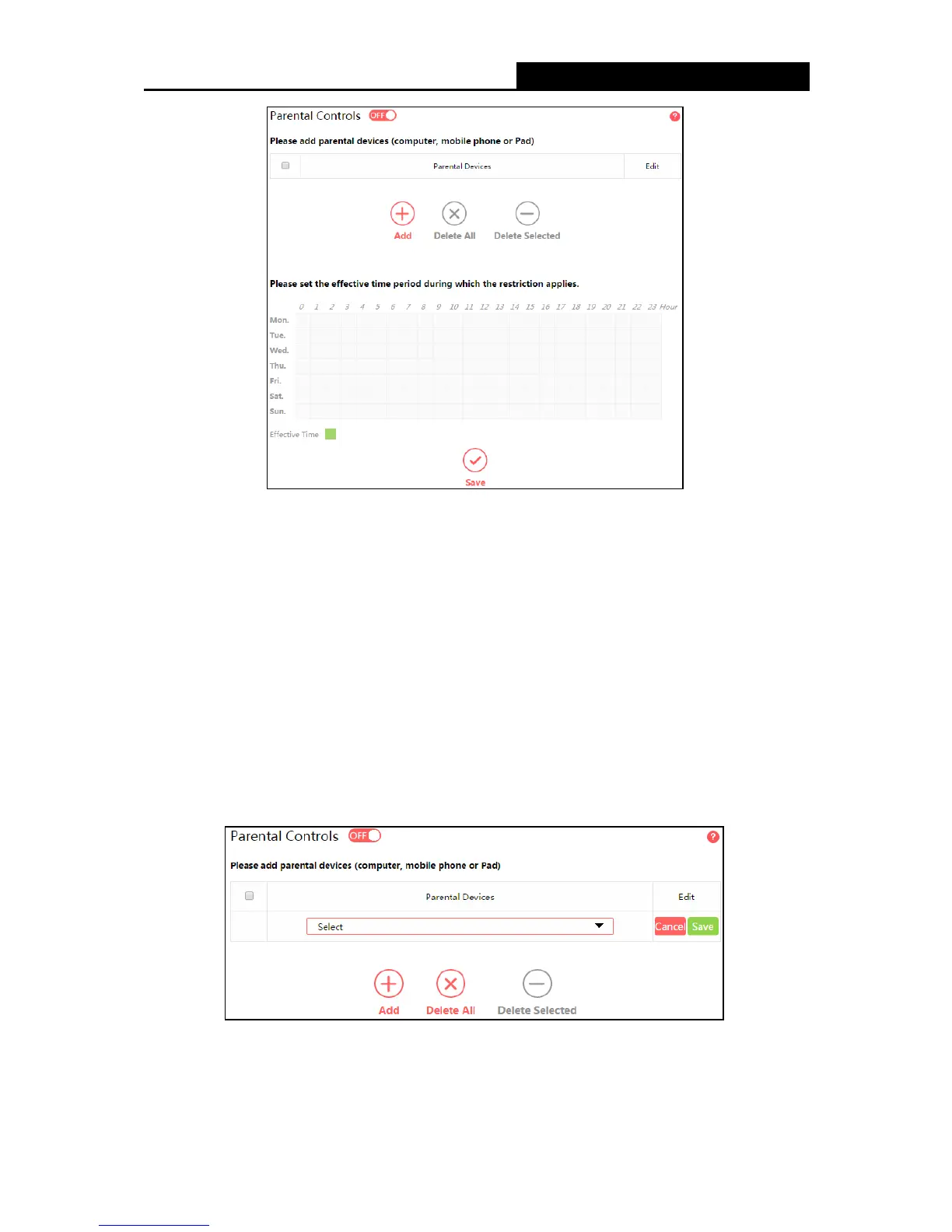
Parental Controls – Click to enable or disable this function.
Parental Devices – Displays the MAC address of the controlling PC.
Edit - Here you can edit an existing entry.
Add - Click to add a new device.
Delete All - Click to delete all devices in the table.
Delete Selected - Click to delete selected devices in the table.
Effective Time - All devices except the parental devices will be restricted. Click and drag
across the cells to set the restriction time periods.
To add a new entry, follow the steps below.
1. Click Ad d.
2. Select a device from the drop-down list.
3. Click Save.
To set the effective time, follow the steps below.



 To Next Page