09
Chapter 3 Congure via Web Management Interface
Chapter 3 Congure via Web Management Interface
3.1 Log In Web Management Interface
1. Connect your device to the powerline extender wirelessly.
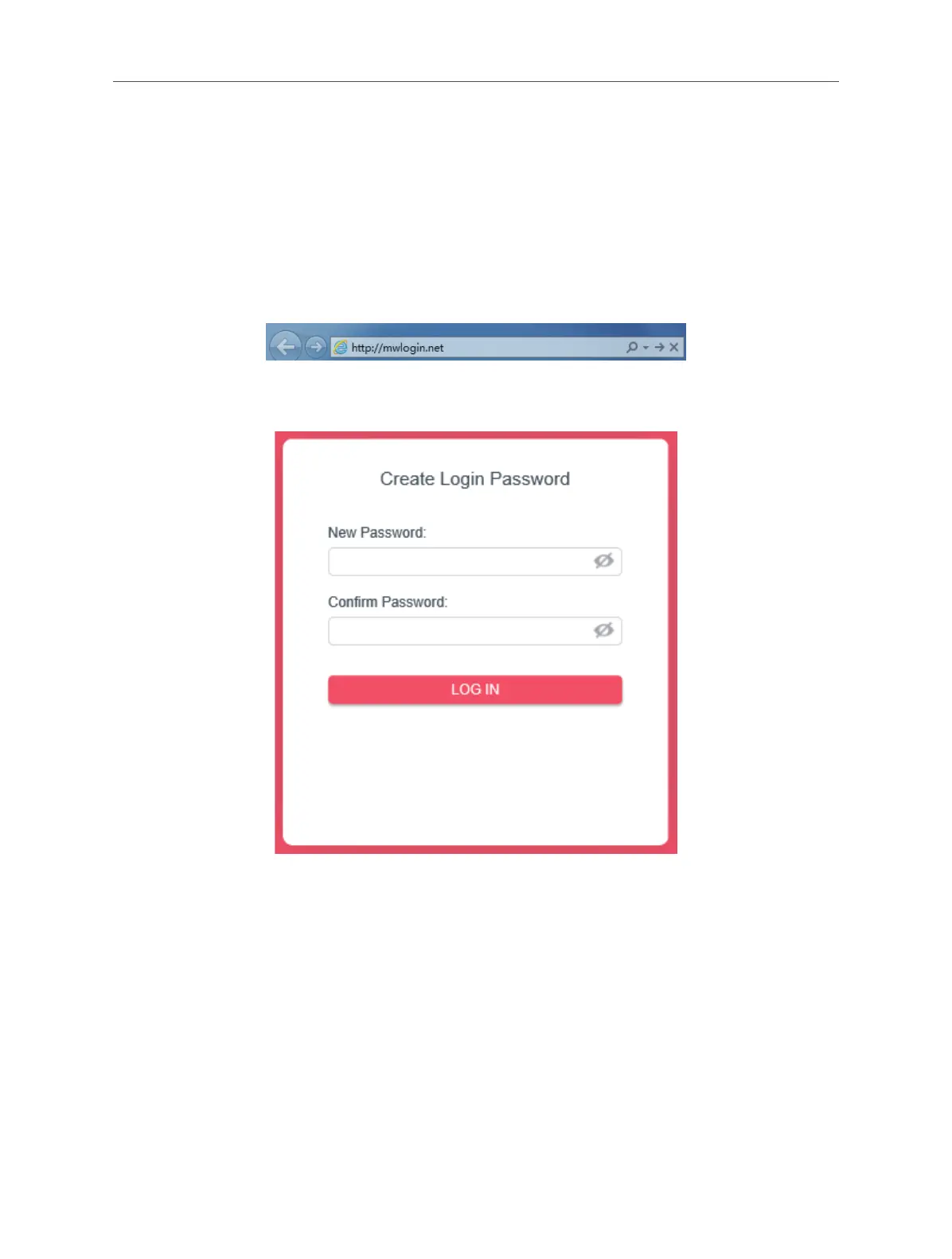
2. Launch a web browser and enter the default domain name http://mwlogin.net in
the address bar.
3. A login window will appear. Create a login password when prompted. Then click
LOGIN IN. For subsequent login, use the password you have set.



 To Next Page