25
Chapter 3 Congure via Web Management Interface
Note:
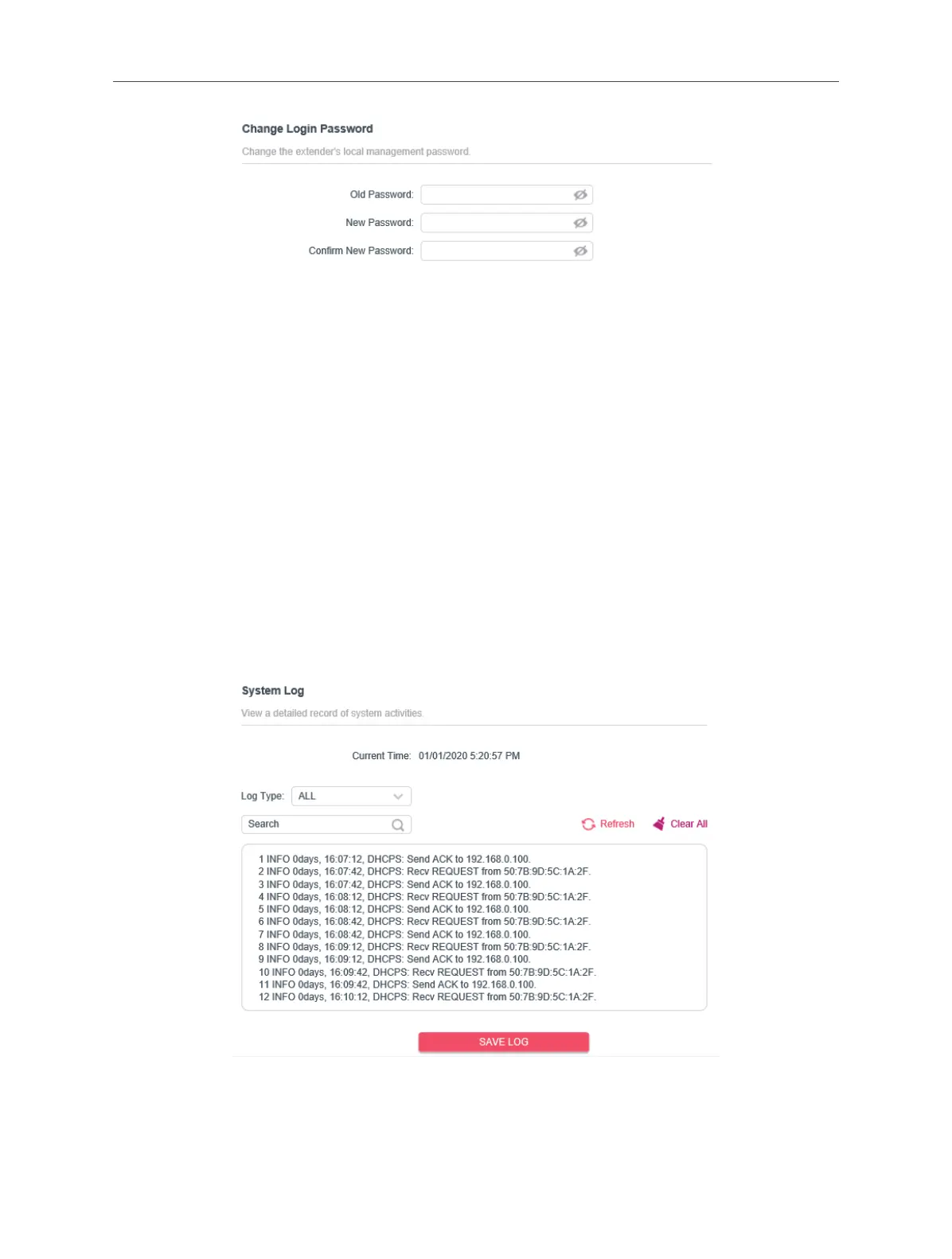
1. The new password must contain no space(s).
2. The new password must be 6-32 characters long.
3. The new password must contain at least two types of the following characters: letters, numbers and symbols.
3. 11. 6. System Log
When the extender does not work properly, you can save the system log and send it
to the technical support for troubleshooting.
Follow the steps below to save the system log:
1. Connect to the powerline extender wirelessly. Visit http://mwlogin.net, and log in
with the password you set for the extender.
2. Go to Settings > System Log page.
3. Choose the type and level of the system log according to your need.
4. Click SAVE LOG to save the system log to local.



 To Next Page