18
Chapter 3 Congure via Web Management Interface
Done!
3.9 Guest Network
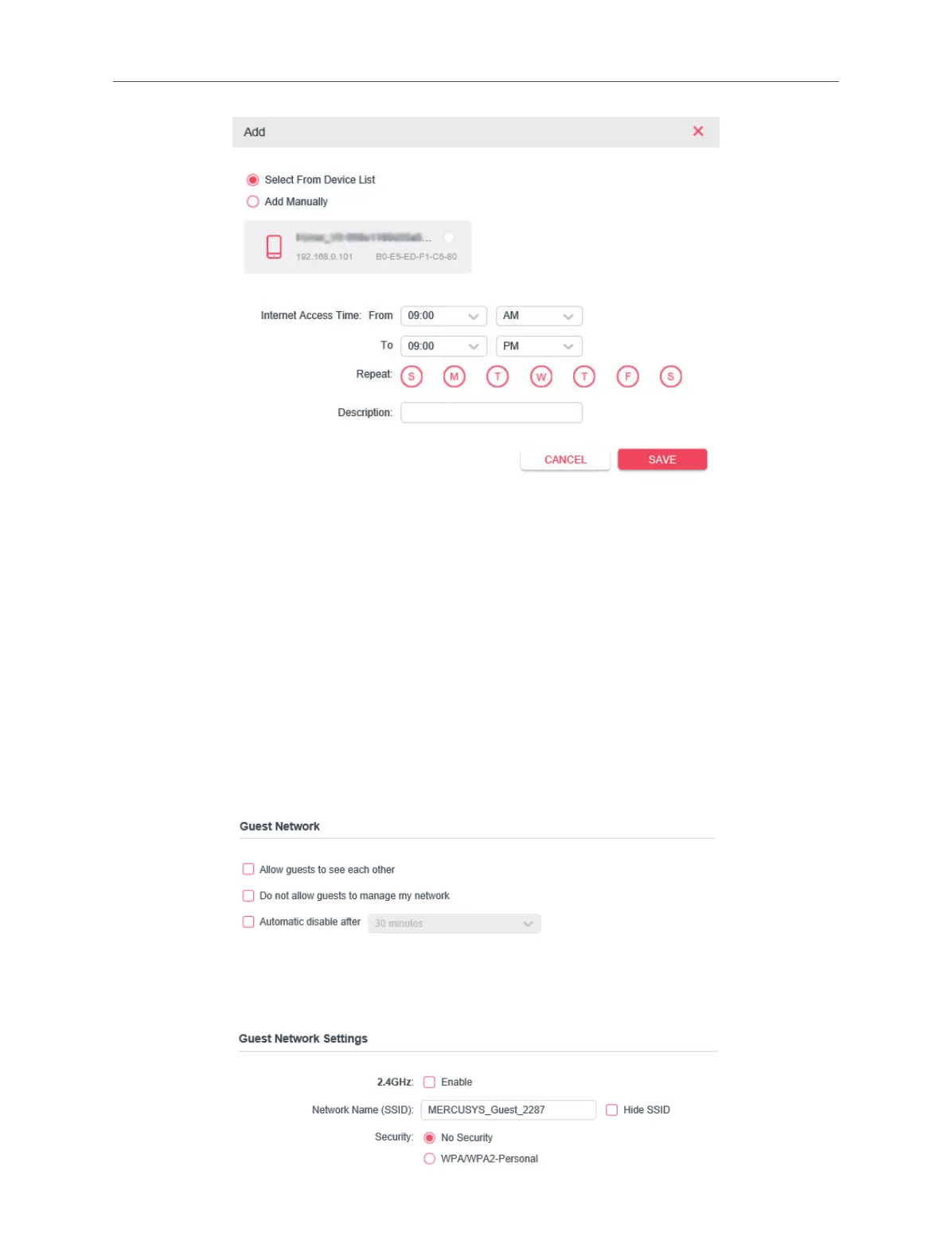
If you want to create a network for the guests, providing internet access for them
while at the same time limit the network authorities for guests to ensure network
security and privacy, please follow steps as below.
1. Connect to the powerline extender wirelessly. Visit http://mwlogin.net, and log in
with the password you set for the extender.
2. Go to Advanced > Guest Network.
3. Check the box of relative entry to limit network authorities.
4. Congure the following settings.



 To Next Page