20
Chapter 3 Congure via Web Management Interface
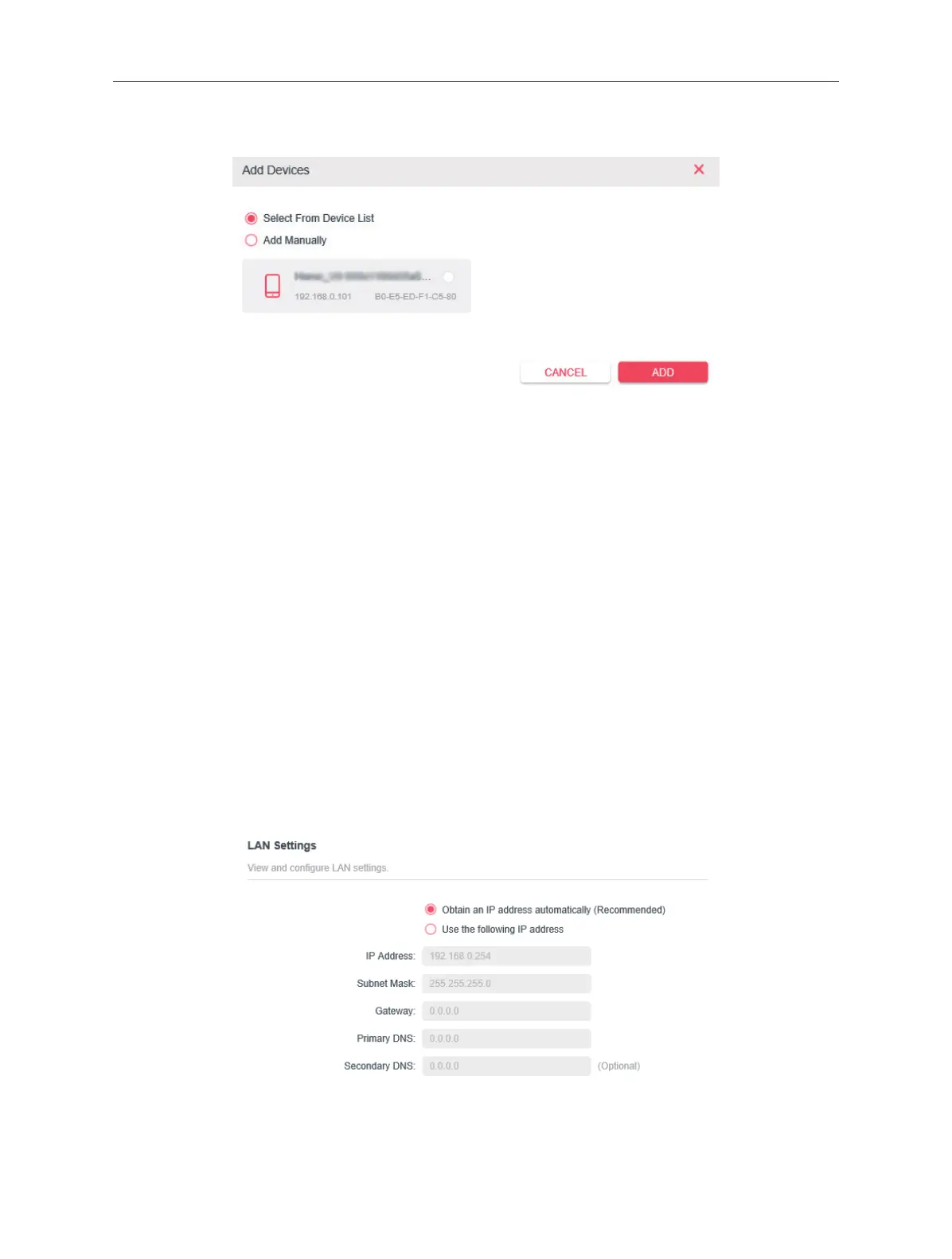
5. Click Add to add devices to the list.
6. Select Select From Device List to see how many devices are now connected to
the network. Select a device and click ADD to nish the settings.
7. You can also add devices manually. Select Add Manually, enter device name and
the MAC address and click ADD to nish the settings.
Done!
3.11 Administration
3. 11. 1. LAN IP Address
Follow the steps below to congure LAN settings of the extender.
Connect to the powerline extender wirelessly. Visit http://mwlogin.net, and log in
with the password you set for the extender.
Go to Device Settings > LAN Settings.
LAN Type: Select Obtain an IP address automatically to have your extender
automatically obtain IP Address from the main router. Select Use the following IP



 To Next Page