21
Chapter 3 Congure via Web Management Interface
address to manually congure the LAN parameters.
IP Address: The IP address of the powerline extender.
Subnet Mask: The subnet mask associated with IP address.
Gateway: The IP address of the gateway device.
Primary DNS: Input the DNS IP address provided by your ISP.
Secondary DNS: Input the IP address of another DNS server if your ISP provides
two DNS servers.
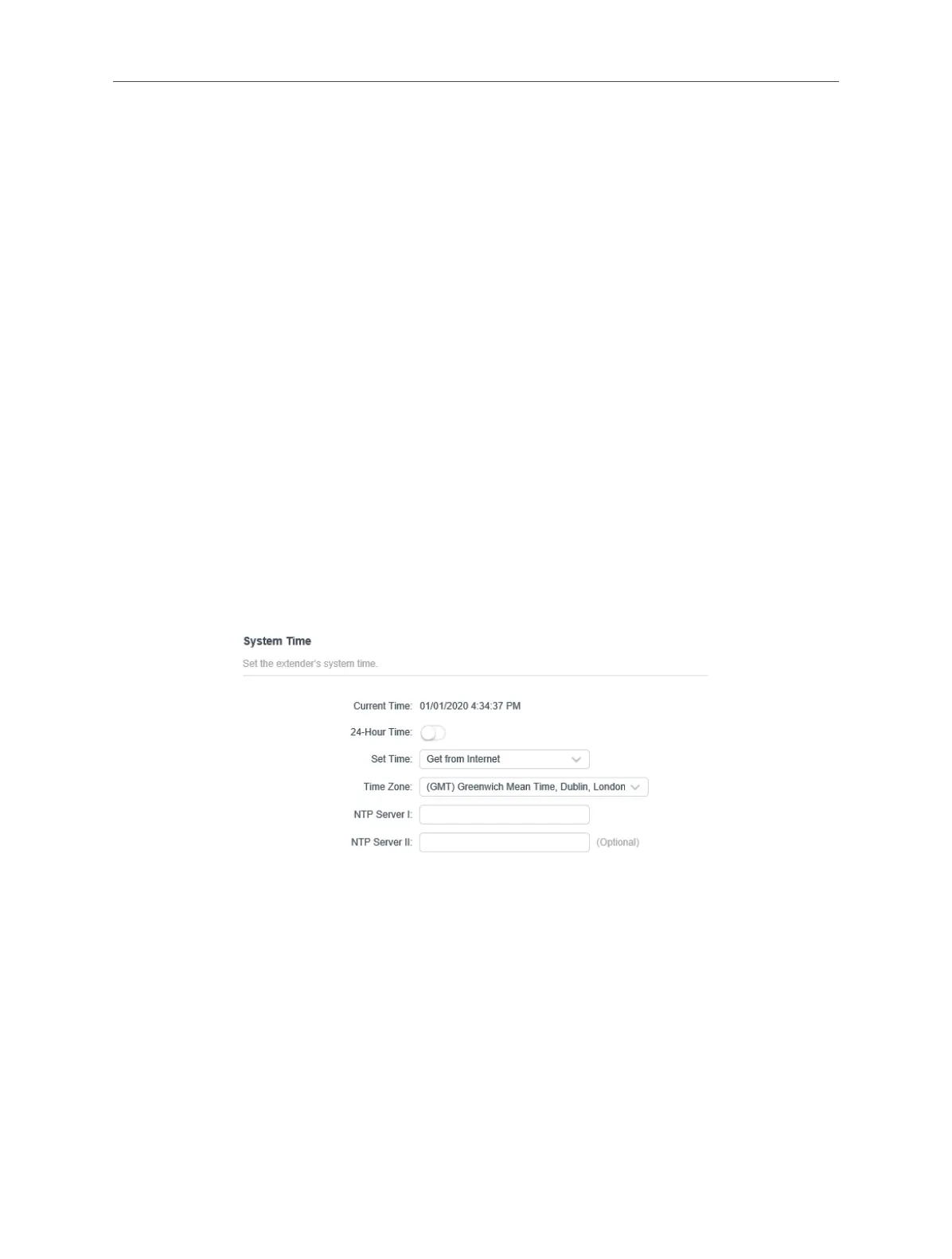
3. 11. 2. Set Up System Time
System time is the time displayed while the extender is running. The system time
you congure here will be used for other time-based functions like Parental Controls
and Wi-Fi Schedules. You can manually set how to get the system time.
Connect to the powerline extender wirelessly. Visit http://mwlogin.net, and log in
with the password you set for the extender.
Go to Settings > Time Settings page.
To automatically synchronize the time:
1. Select Get from the Internet.
2. Select your local Time Zone from the drop-down menu.
3. In the NTP Server I eld, enter the IP address or domain name of your desired
NTP Server. (Optional)
4. In the NTP Server II eld, enter the IP address or domain name of the second NTP
Server. (Optional)
5. Click SAVE.



 To Next Page