41
7.3 Alarms / Alarm module
In order to notify alarms or faults that have been triggered in the KNX sys-
tem, the touchpanel reports these by displaying an alarm message (e.g.
heating failure or alarm system triggered, etc.).
As soon as an alarm object (e.g. a window being monitored for glass break-
age) sends an alarm message, this is overlaid in a pop-up window and re-
ported for a given time with an alarm tone (see also chapter 8.4). The
alarm message shows the alarm with the associated date and time in plain
text.
The messages remain in the foreground until they have been acknowl-
edged with [OK]. This also applies if the alarm or cause of the fault has in
the meantime been cleared and the normal status has been resumed. This
ensures that an alarm that arises or a fault that occurs does not go unno-
ticed.
When switching to standby the alarm display is also maintained and only
the background lighting is reduced.
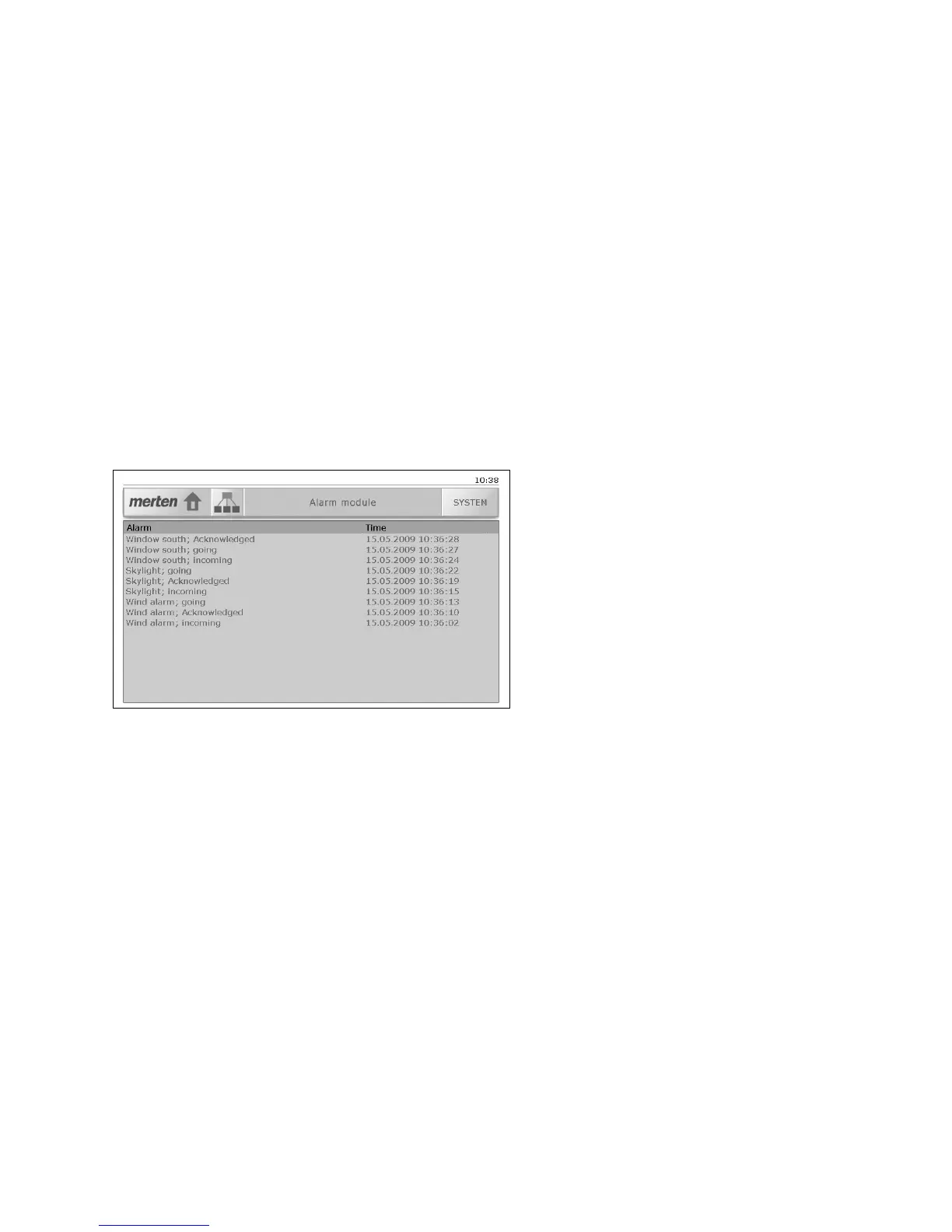
By default alarms are entered in the message history. These can be shown
in the 'Alarm module' screen.



 To Next Page