47
8.3 Touch adjustment
Adjustment of the touchpanel is not normally necessary. However, if you
sense that you are occasionally off the mark with your touch then you can
recalibrate the device.
To recalibrate the touchpanel, proceed as follows:
• Tap [SYSTEM] and then [Touch adjustment] in order to start calibra-
tion.
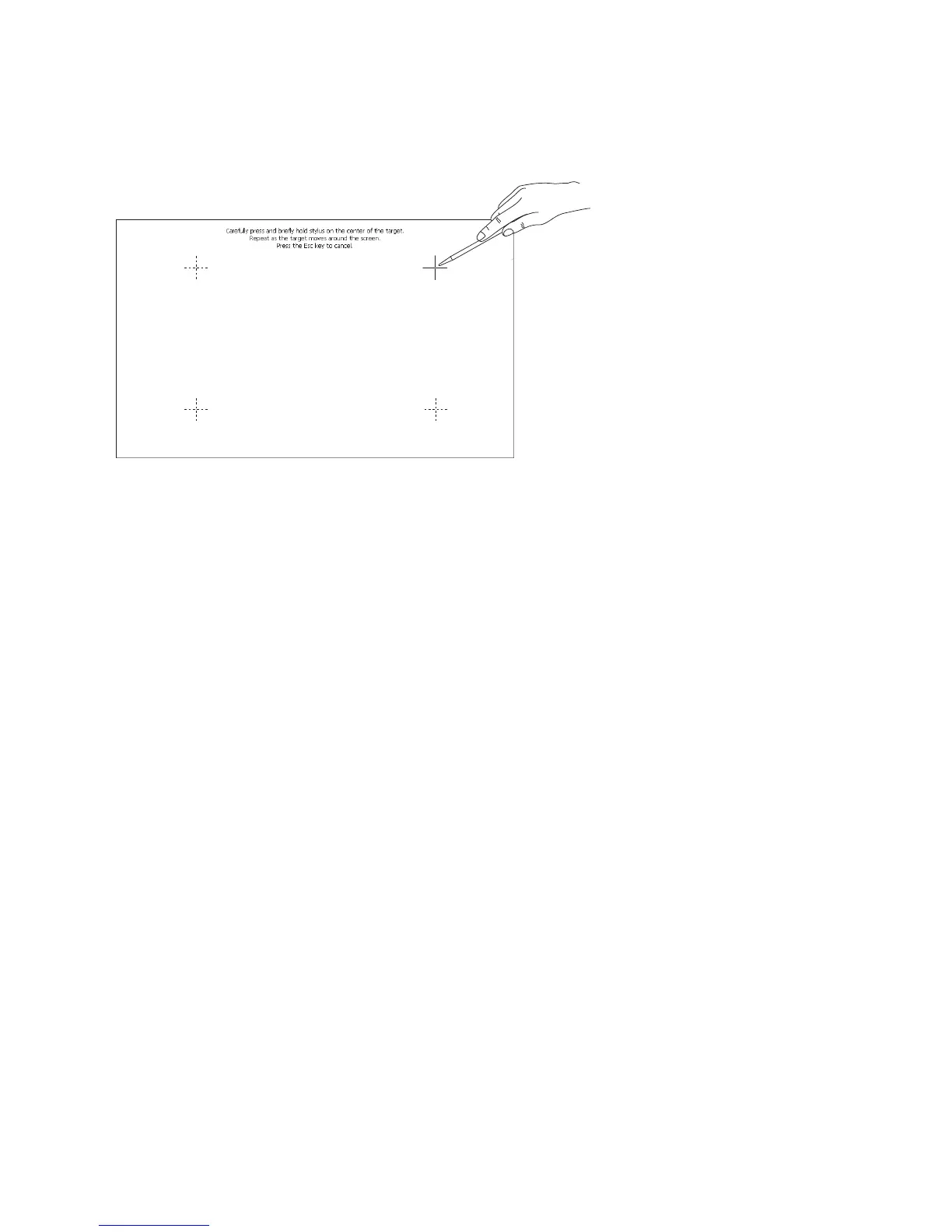
• In the top right of the screen a cross-hair cursor appears. With a
touchscreen stylus tap the exact centre of the cross.
• The calibration points shown in the above picture will now appear one
after another. These must be touched in sequence.
• After the final calibration point, tap the empty screen in order to end
the calibration.
• You now have the option to accept the new calibration with [Yes] or
to reject it with [No].



 To Next Page