48
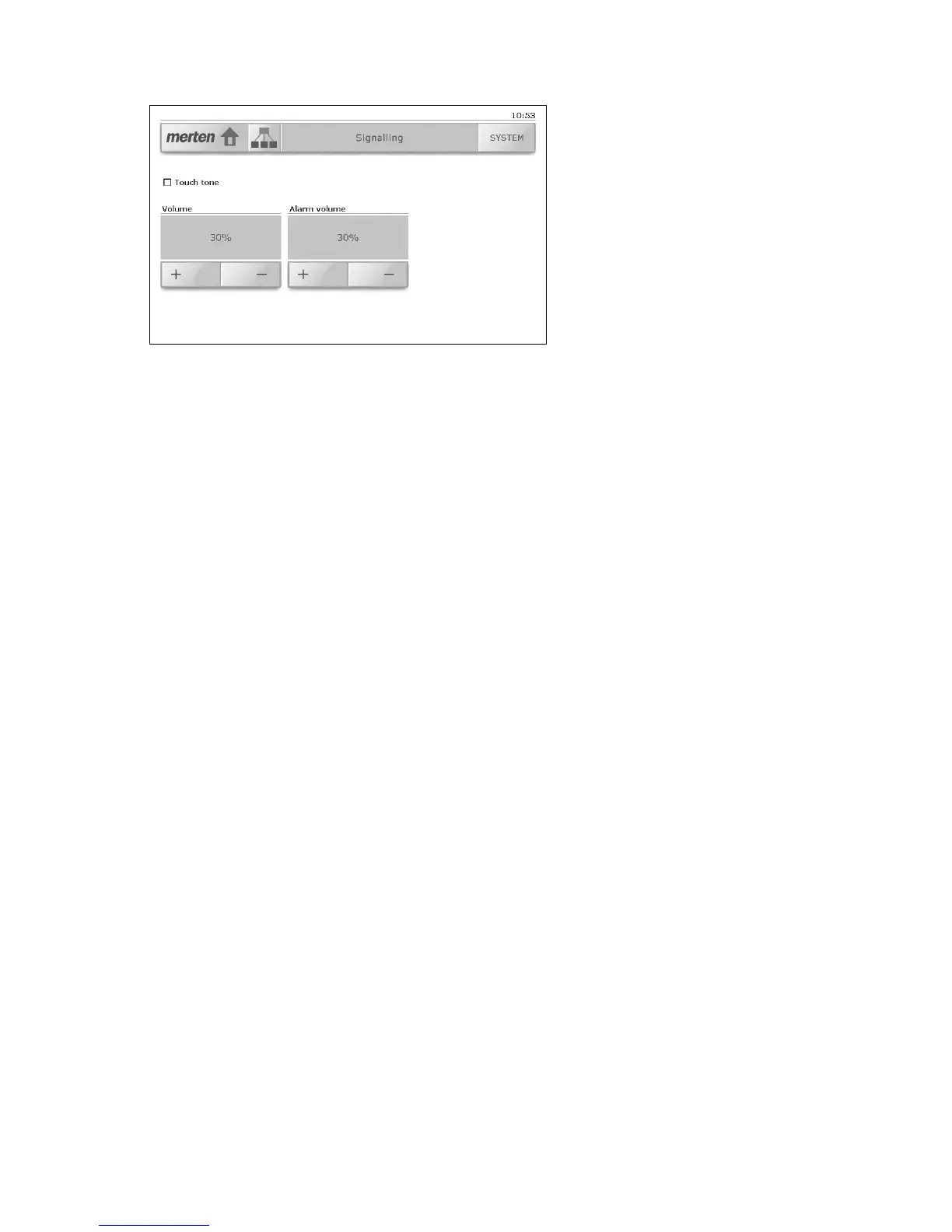
8.4 Signalling
The 'Signalling' system page allows you to:
• Activate or deactivate the touch tone for the acoustic signalling of
the operation of keys and buttons;
• Set the volume of the touch tone. Tap [+] or [-],
to change the loudness in 10 % steps.
As a check, for each change a brief tone is emitted at the selected
loudness. If you change the loudness, the 'Touch tone' option is au-
tomatically activated.
• Set the alarm volume for the signalling of alarms. Tap [+] or [-],
to change the loudness in 10 % steps.
Alarms are always notified acoustically, even if the 'Touch tone' option
is deactivated.



 To Next Page