42
7.4 Internet browser
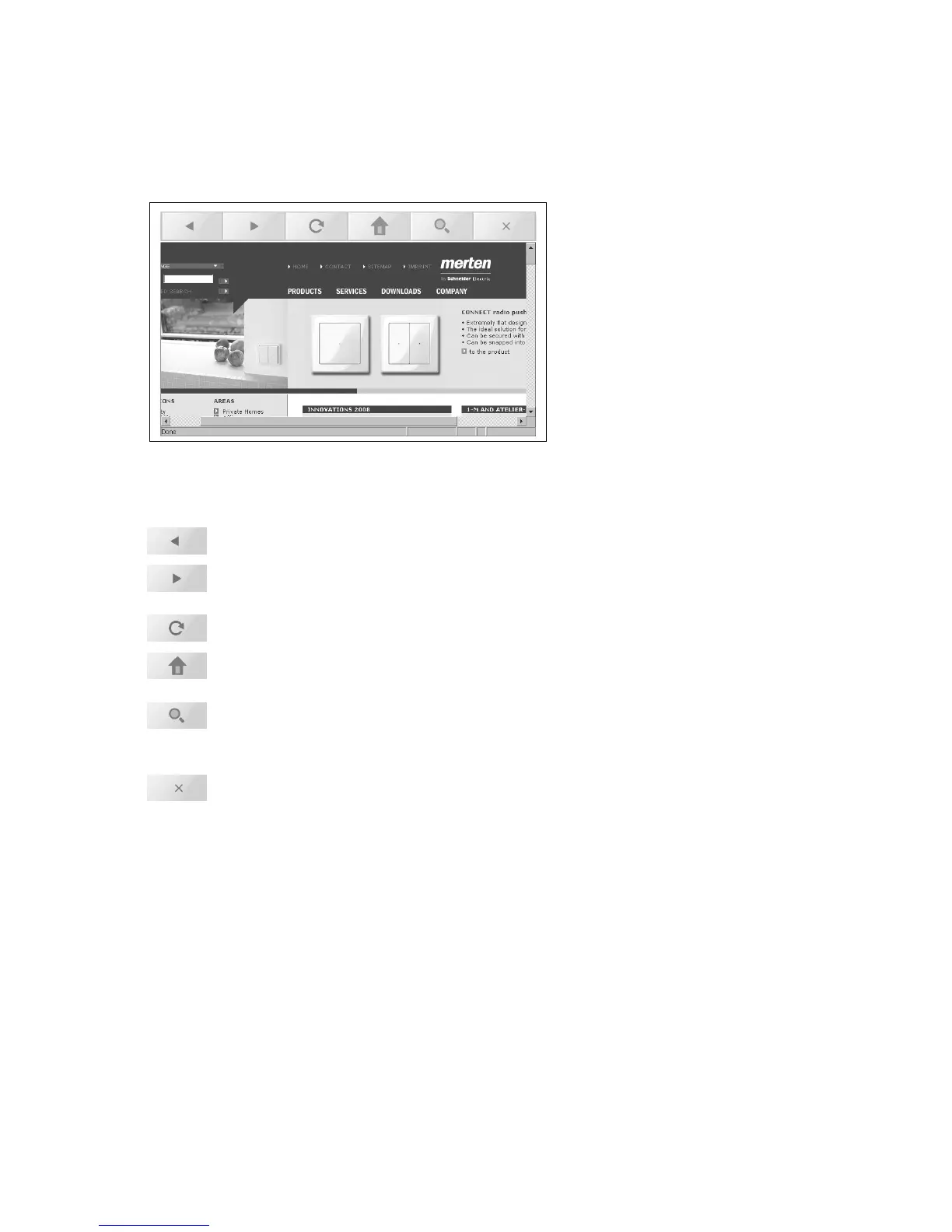
If your touchpanel has been connected to a network and your system in-
tegrator has set up access to the Internet, you can also use your touch-
panel to surf the Web in the normal way. Tap the corresponding button in
special functions in order to invoke the Internet browser.
The following buttons are provided for navigation purposes, in addition to
the navigation options of the Web pages:
back: switches back to the last page displayed
forwards: switches to the page that you visited before going
back
refresh: reloads the current page
Home: switches to the home page (defined by the sys-
tem integrator)
search: switches to the search page (defined by the sys-
tem integrator)
tap the input field to overlay the keypad
close: closes the Internet browser



 To Next Page