49
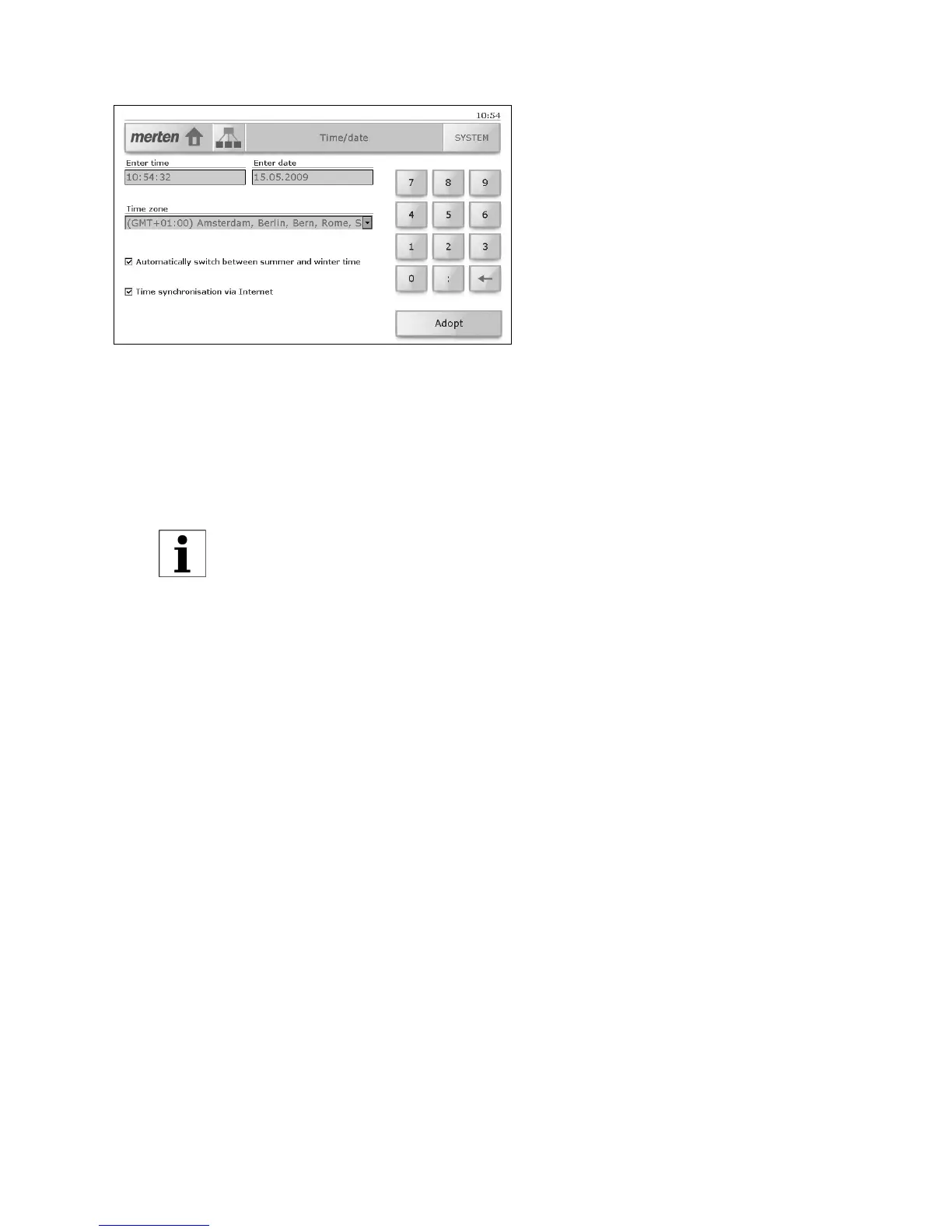
8.5 Time / Date
The 'Time / Date' system page allows you to:
• Enter both the time and the date.
To do this tap the corresponding input field and enter the time in the
format hh:mm:ss and the date in the format dd.mm.yyyy using the
number pad. Use the backspace key [←] to delete numbers;
• Select another time zone
• Set the touchpanel to automatically switch between summer-
and winter-time;
•Activate or deactivate time synchronisation via Internet.
Tap [Adopt] to keep these changes.
If you accept another time zone, the touchpanel restarts;



 To Next Page