MI 3295 Step Contact Voltage Measuring System Data handling
41
8.2 Current Logger
If the Meter and Station are synchronized the values of generated currents are stored
(together with time and date) in a separated part of the Station’s memory. See chapters
5.4.5 Synchronization and 7.2.5 Synchronization after the test (recommended) for more
information about the advantages of synchronized measurements.
The available place in the logger is shown in the right side of the Current Generator screen
(see Figure 7.9). Once the logger is full its content must be cleared.
8.2.1 Clearing the logger content
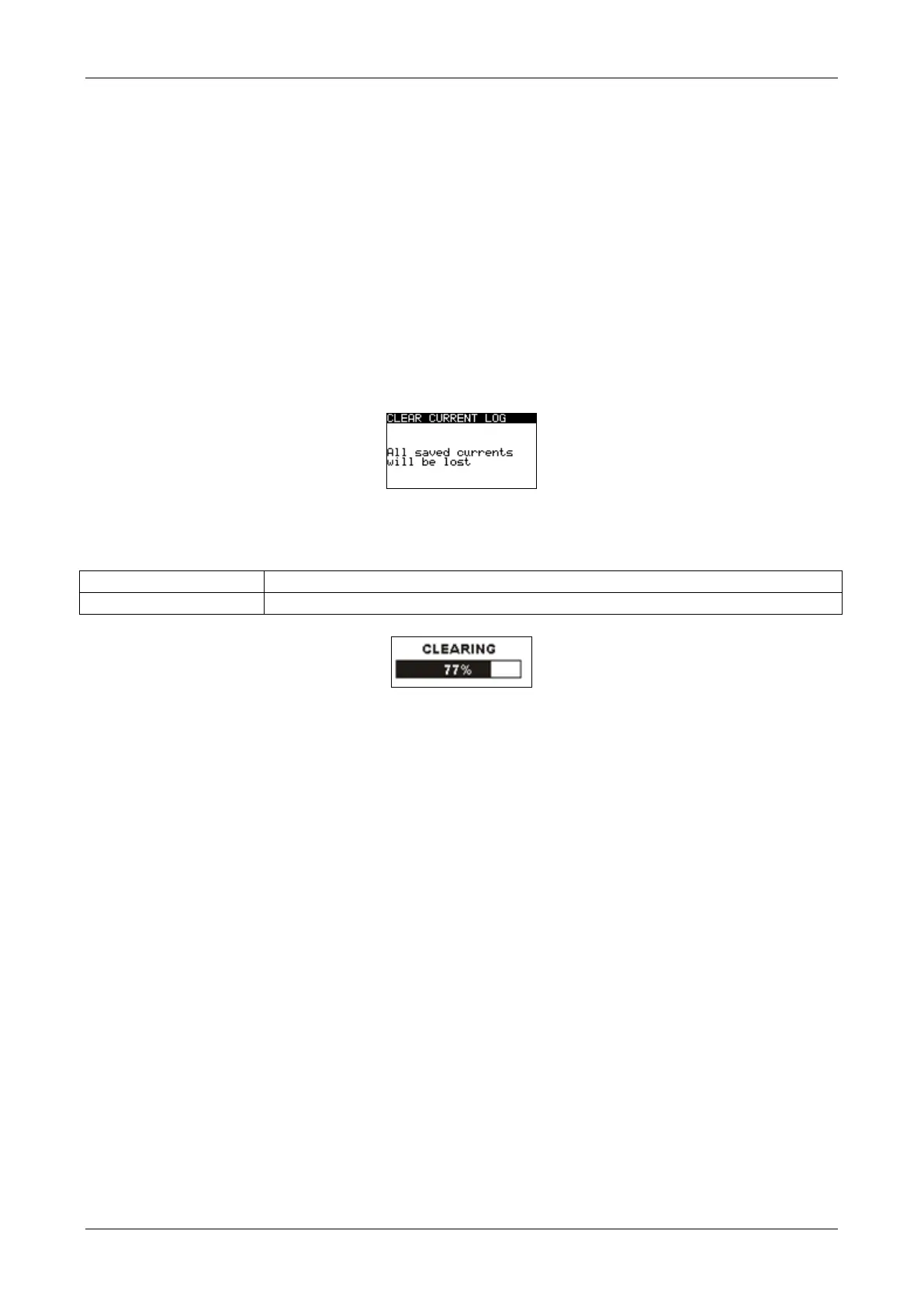
Select CLEAR CURRENT LOG in MEMORY menu. A warning will be displayed.
Figure 8.12: Clear current logger
Keys in Clear Logger menu
Confirms clearing of the complete logger content.
Exits back to main function menu without changes.
Figure 8.13: Clearing logger in progress














 To Next Page