22
Direct Connection Solution 2:
Power down the XDS Instrument, then power it back
up. Wait 120 seconds, for the instrument to determine
the correct method of Ethernet communication. Please
do not click anything for this amount of time, or
communication may be interrupted.
Solution 3:
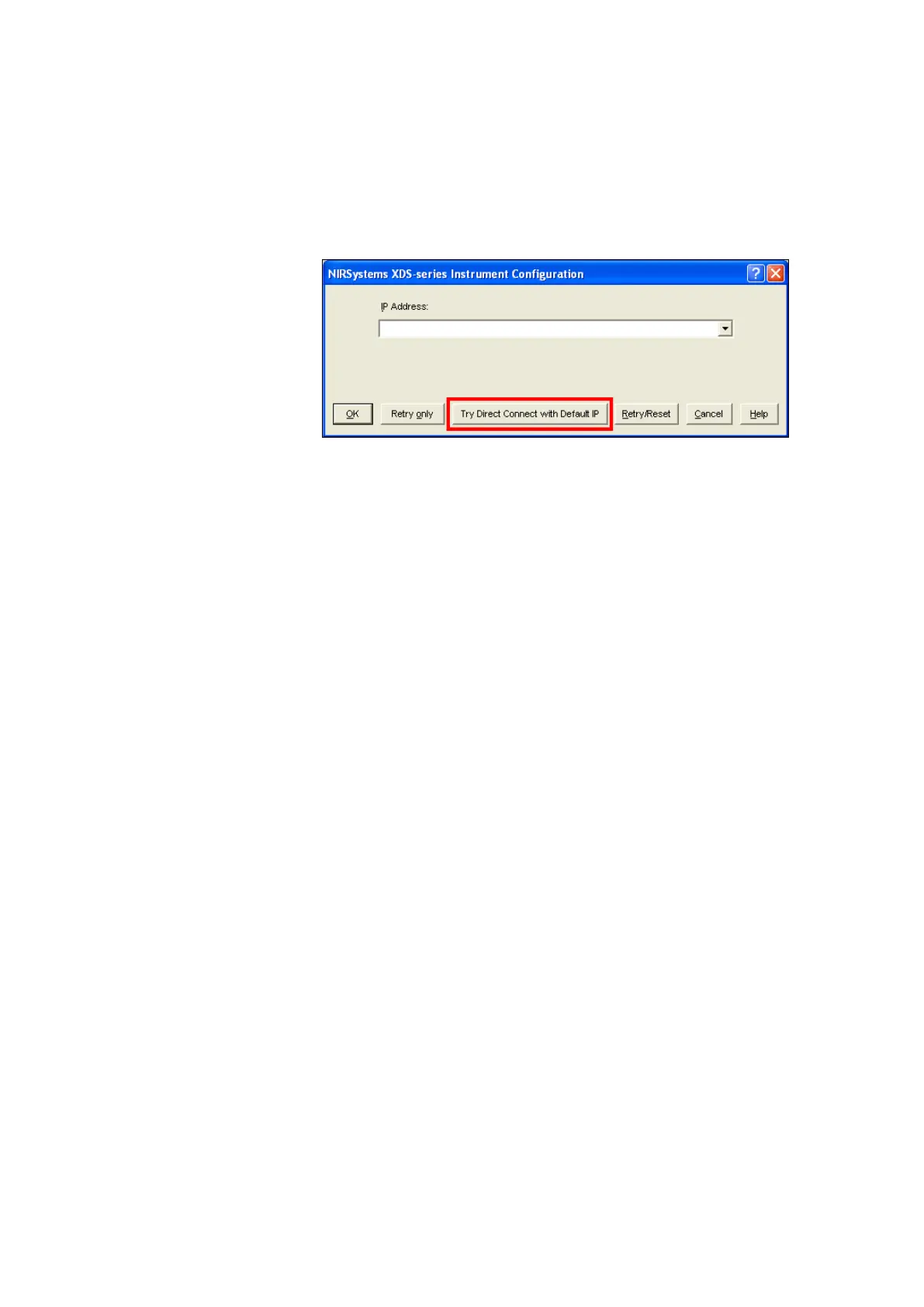
Click on “Try Direct Connect
with Default IP”. This
searches for the default IP
address stored in the
instrument.
When the instrument is
found, click “OK”
This should resolve the connection issue. Proceed to “Acquire” and “Connect” in Vision.


 To Next Page
 Loading...







