Operating Instruction X-Type plus
Operating instructions X-Type plus V1-3.docx Page 24 of 45
7.10. Additional equipment
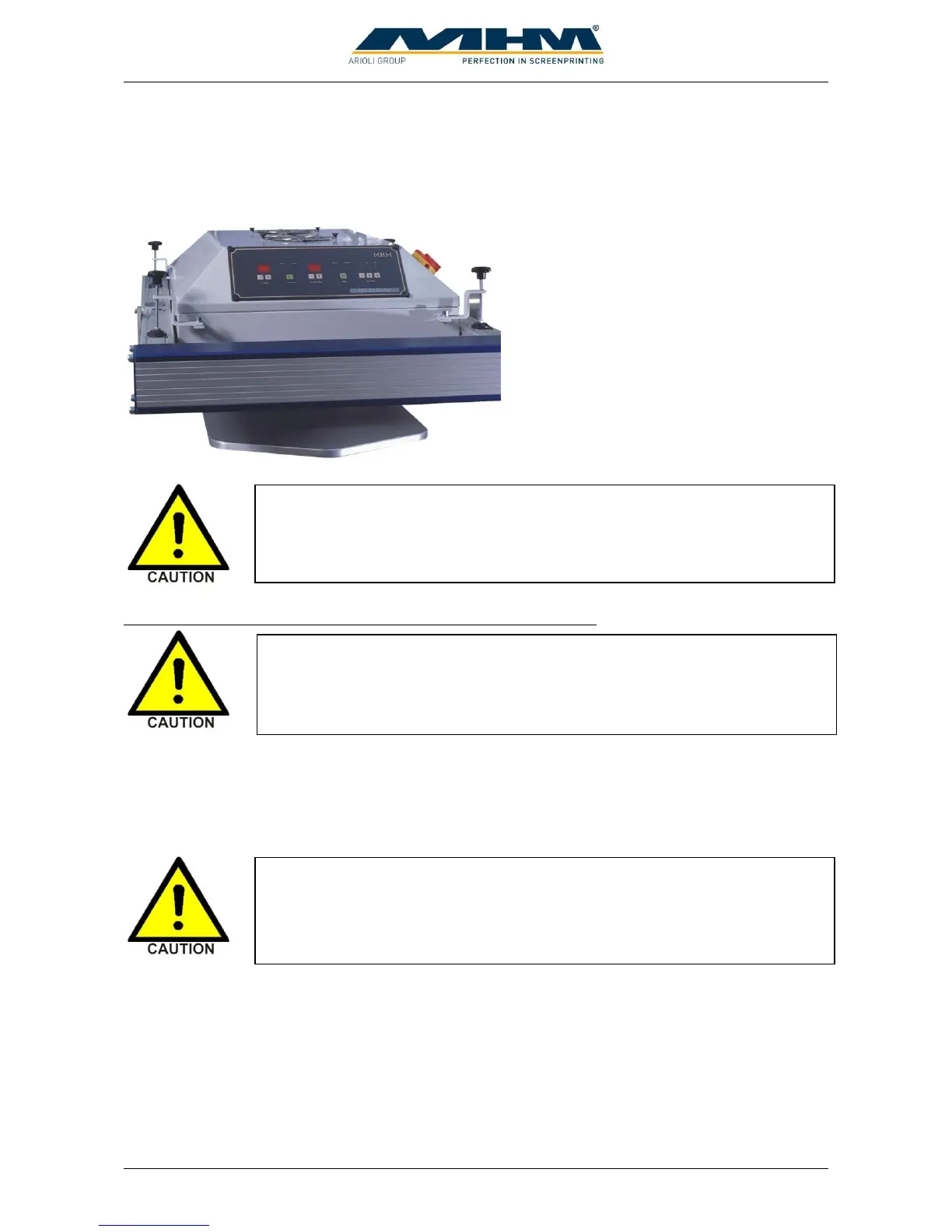
7.10.1. Flash Cure Units
Flash cure units may be installed into either
an empty station or a print station. The flash
cure unit must be powered by a separate
supply, which should comply with the
electrical data supplied by the manufacturer
(see data sheet for flash cure units). To
control the unit the dryer must be connected
with the dryer connector of the station.
Procedure for the installation of a flash cure unit into a print station
An empty/blank screen frame (without mesh) should be loaded in the position of a normal screen in
order to push and hold the screen holders away from the heated area to prevent any damage. Move
the squeegee carriage backward to its rear end position before installing the flash cure unit into the
print station. Subsequently, the electrical supply and data lead should be connected.
When connecting the dryer with the dryer connector of the station the unit will
be identified automatically and the print function of the station will be
switched off. Be sure that every dryer which is installed into a print station is
connected with the dryer connector.
The pallets are only warranted to withstand temperatures of up to a maximum
of 150° C. Exceeding this temperature will result in the cancellation of
warranty for the pallets.
When connecting the flash cure unit make absolutely sure to keep the all
cables away from any moving parts (especially the turntable/moving pallets
etc). Failure to do so may result in damage to the cable along with serious
electrical damage to the flash cure unit and machinery.



 To Next Page