Operating Instruction X-Type plus
Operating instructions X-Type plus V1-3.docx Page 36 of 45
9.3.3. Automatic
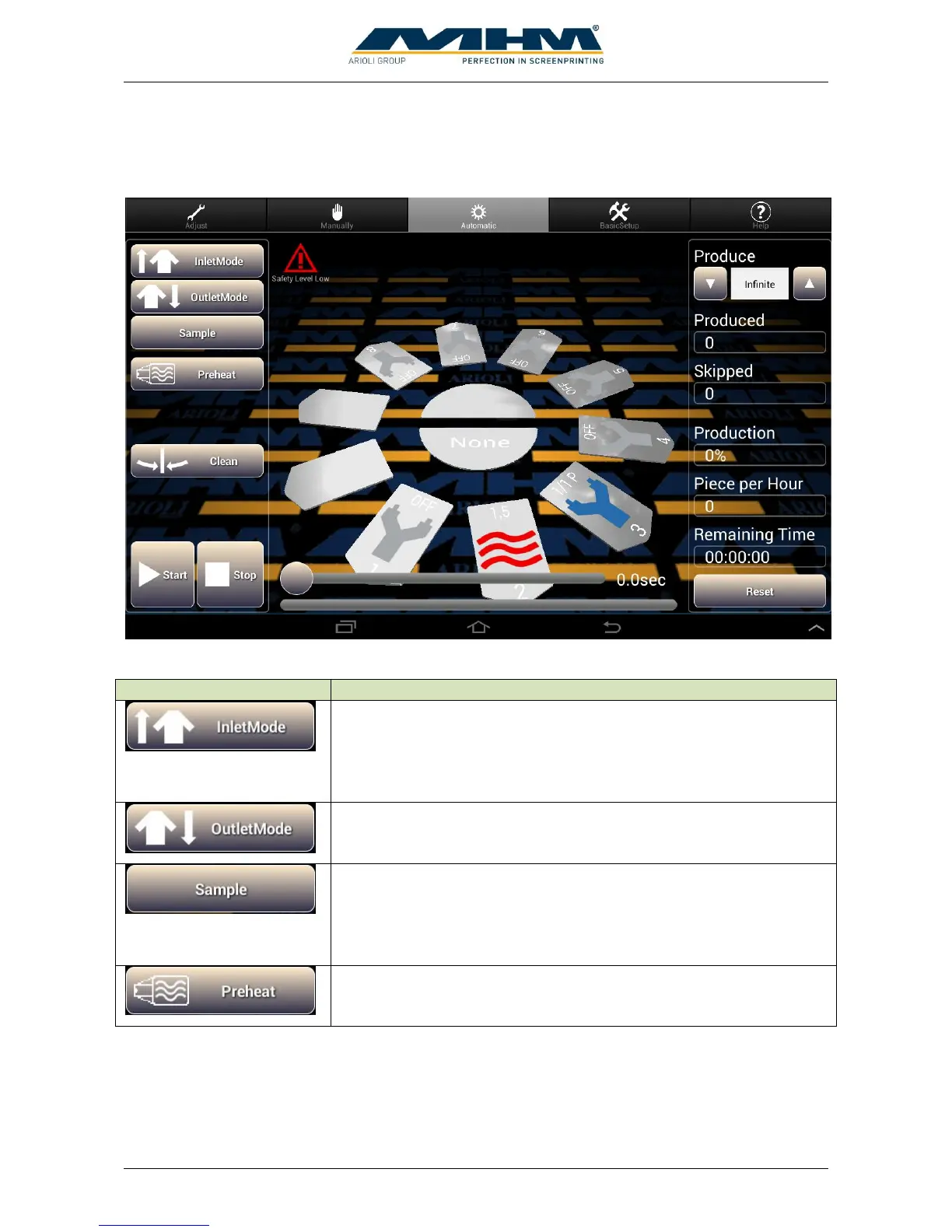
In automatic-mode index and working cycles start continuously.
The following buttons are displayed:
Is used for the sequential start of a new print job/run. It activates each
selected print station/flash cure unit in sequence when commencing a
production run. After the first complete printing cycle with all
enabled print stations/flash cure units, the startup mode will be
turned off automatically.
Is used to switch off the print stations one by one when print job is
finished. A separate command screen will be displayed with options
Continue, Outlet and don’t flood at waterbased inc.
Starts a sample print. The desired amount can be increased by
pressing the button “Sample” more often. The actual adjusted amount
is displayed at “Produce”. The sample will automatically perform the
required inlet and outlet mode, the manual adjustment is not
necessary.
Warming up the pallets to working temperature. For this only active
drying stations are used. Warming up is necessary to get the same
print results from the beginning.



 To Next Page