Operating Instruction X-Type plus
Operating instructions X-Type plus V1-3.docx Page 35 of 45
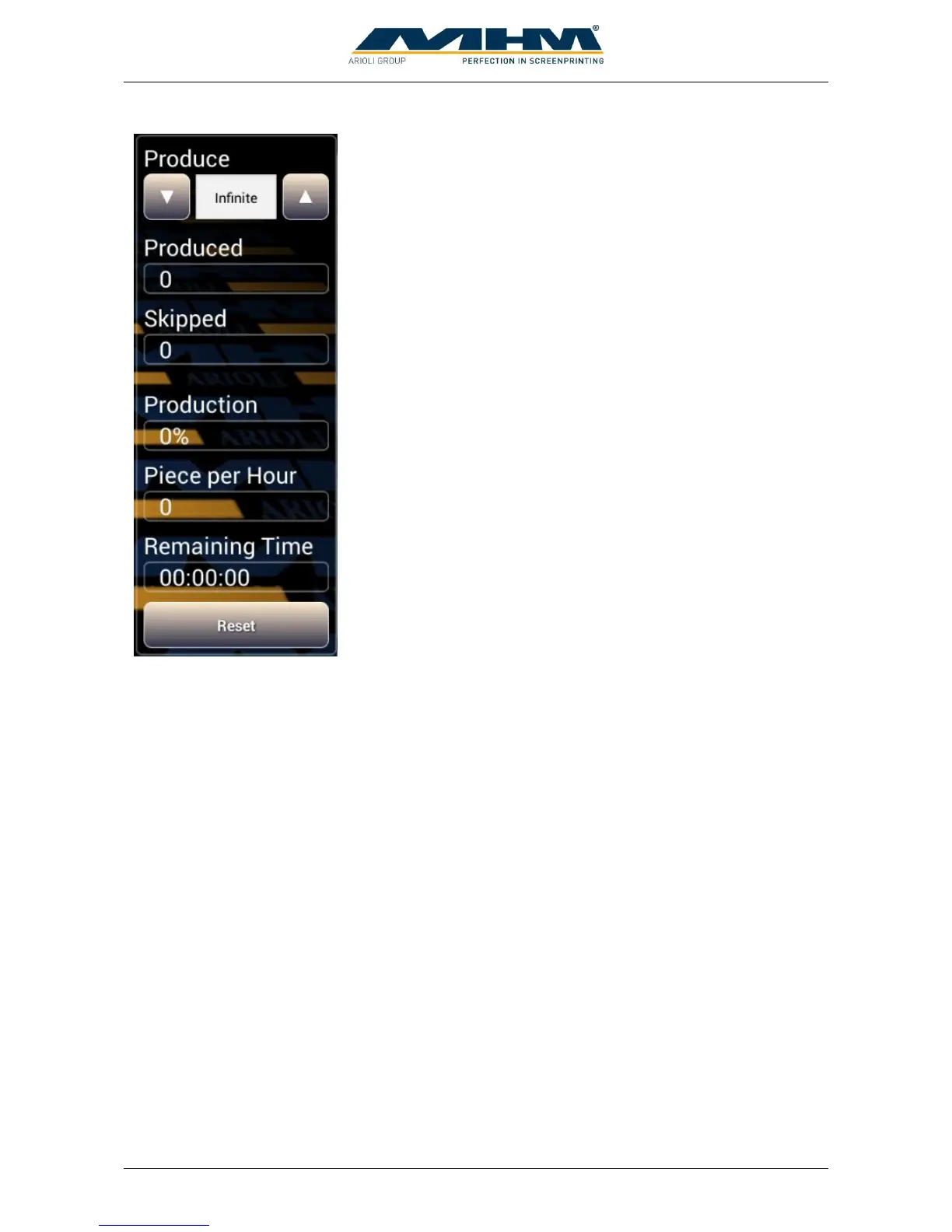
Determines the desired quantity of the production job. The value
can be changed with the up and down arrows or by direct number
input after touching the field
Displays the number of items which have been produced since the
last “RESET”.
Displays the amount of skipped tables since the last reset.
Displays status of the actual job in percentage.
Displays the hourly output of the machine at actual speed.
Estimated remaining time for actual print job at actual speed.
Clear the counters “Produced” and “Skipped”.



 To Next Page