Operating Instruction X-Type plus
Operating instructions X-Type plus V1-3.docx Page 28 of 45
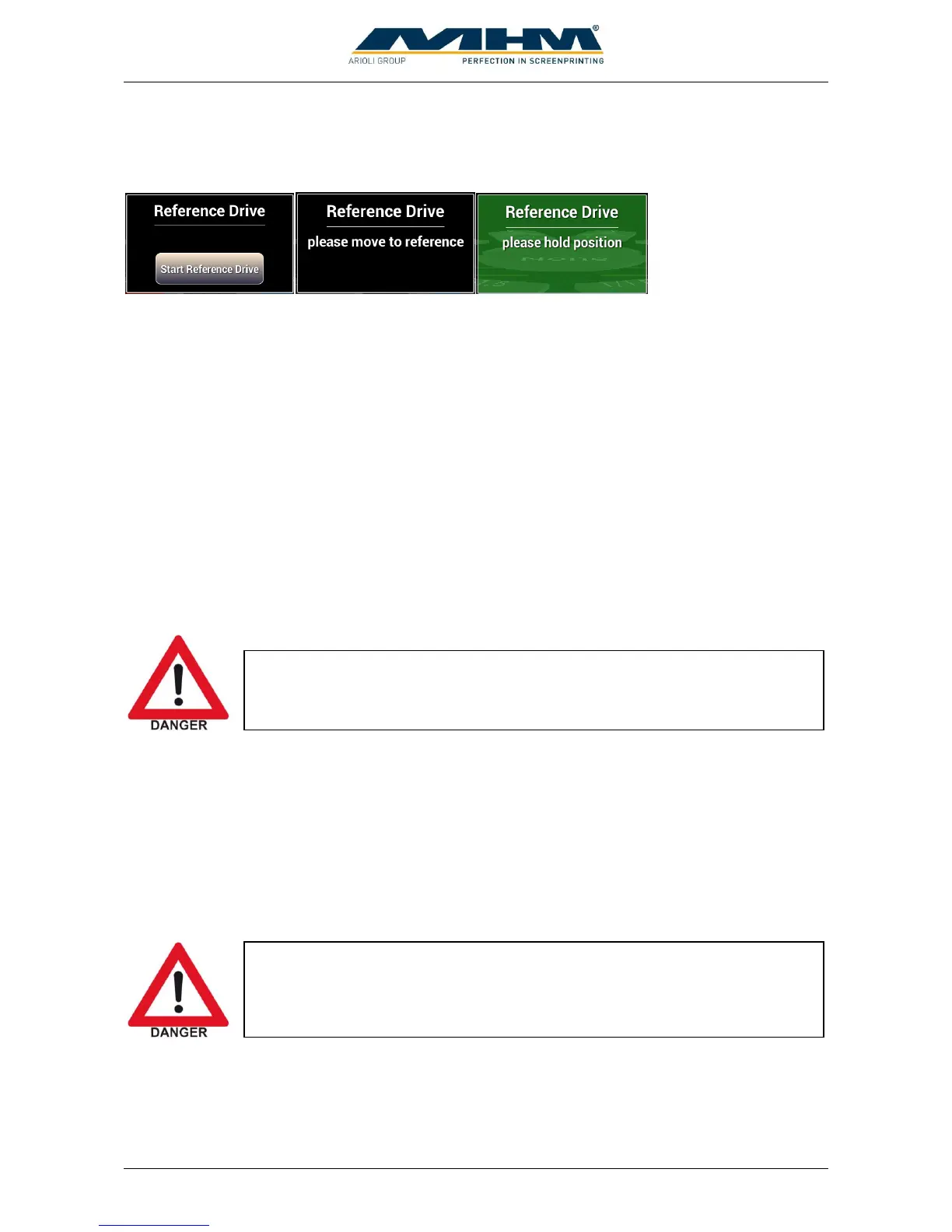
After starting up the tablet a reference drive must be made. Start with button “Start Reference
Drive” when displayed. Move turntable to position until the message windows becomes green.
After a short time at the right position the turntable will be locked automatically.
9.1.2. Switching the Machine Off after normal operation
The following order of operations must be observed when switching off the Synchroprint after
normal operation:
Clean all print stations.
Press “Main switch tablet” shortly to put tablet into idle mode. This is necessary to prevent
battery from discharging. If this is not done, the tablet must be restarted the next day. The
handling is similar to modern Smartphones.
Switch off control power supply with “Control ON/OFF”-Switch. By doing this energy can
be saved.
Switch off the Synchroprint with the main power switch. This will disconnect the main
power supply completely, no energy will be consumed.
9.1.3. Stopping the Machine in the event of an Emergency
If the operator detects any danger to personnel or the Synchroprint, he can immediately shut down
the machine by pressing the EMERGENCY STOP push button.
On both the left and right hand side of the load/un-load stations there are two safety bars marked
yellow/black, which stop the machine immediately when actuated.
Between each print station there are yellow safety cables. To enter the danger zone the cable must
be disconnected and the machine will stop immediately.



 To Next Page