What does DATABASE FAIL ERROR 15 mean on Micom 3T?
- MmcfarlandianSep 15, 2025
If your Micom Transceiver displays 'DATABASE FAIL ERROR 15', this message will display if the ALE scanned channels don’t match the programmed channels in the RSS.
What does DATABASE FAIL ERROR 15 mean on Micom 3T?
If your Micom Transceiver displays 'DATABASE FAIL ERROR 15', this message will display if the ALE scanned channels don’t match the programmed channels in the RSS.
What to do if Micom 3T has poor transmission?
If your Micom Transceiver experiences poor or no transmission, check the following: * Ensure a 30A fuse is installed in the fuse holder located on the red wire of the power cable. * Verify that proper grounding cables are connected from the radio and from the antenna tuner to the vehicle chassis. * While speaking, check RF power bars for activity. The resultant RF power output is displayed in approximately 15 W increments (bars) being added from left to right. If the received signal level (RCVL) indication is low, there may be a problem in the antenna system. If antenna cabling, antenna mast rigging position has changed since the antenna was last tuned, the antenna tuner will not be adjusted automatically. To retune the antenna tuner, scroll to the next channel and thereafter scrol...
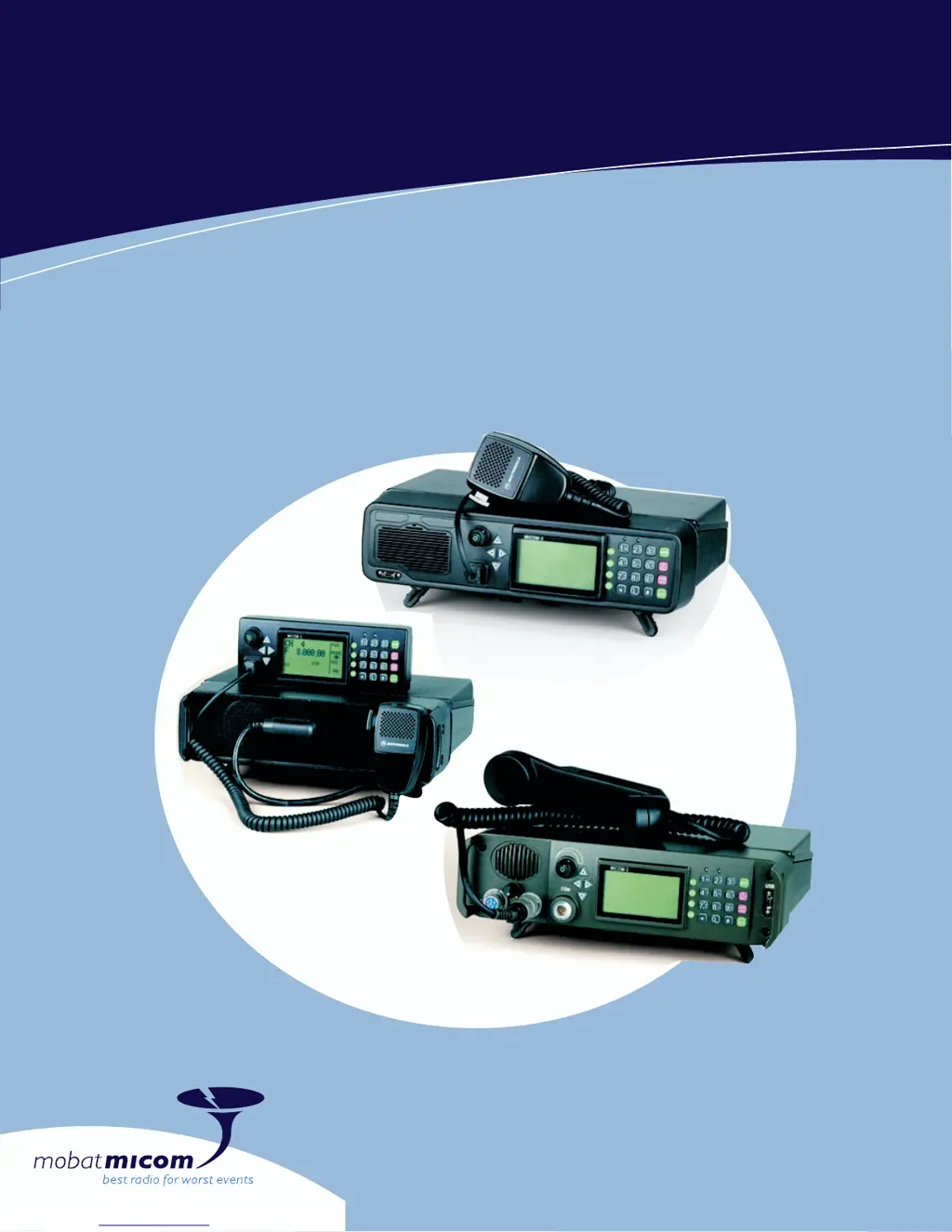
Brief descriptions of the MICOM-3F, MICOM-3T, and MICOM-3R models.
Explains the division of the manual into Part I (Operation & Installation) and Part II (Manual Programming).
Lists core features like DSP, BITE, ALE, channel capacity, and MIL-STD compliance.
Details on output power, duty cycle, thermal protection, and receiver functions.
Describes standard DTCXO and optional OCXO frequency sources for accuracy.
Identifies controls and indicators on the front panels of MICOM-3F, MICOM-3T, and MICOM-3R.
Details the functions of connectors located on the rear panel of all models.
Explains display organization, modes, and various operational indications.
Explains how to use the keypad and navigation keys for menu selection and data entry.
Details the usage of Function Keys (F1-F4), MORE key, and scroll keys.
Covers Alphanumeric Edit, Numeric Edit, and View modes for data input and display.
Step-by-step instructions for turning the radio on, including self-test.
Explains PTT operation, voice transmission, and how to receive calls.
Describes how to enter and use the Channel and Frequency modes.
Details ALE functions like scanning, sounding, selective calling, and LQA.
Explains addressing methods (individual, net, group, wildcard) and call types.
Describes how to use ALE calls and functions while operating in Channel mode.
Lists programmable ALE features such as NET, DIR, AMD, OPT, and AUTO.
Instructions for configuring net options and managing the ALE address directory.
Details on configuring options like PTOT, MLQA, QCAL, and AADR.
Explains connecting the unit and specific parameters for privacy operation.
Describes how to use the VP-116 in Channel, Frequency, and ALE modes.
Covers Local Loopback (LLB) and Built-In-Test (BIT) modes for the VP-116 unit.
Explains PVT, DIG, and CLR modes and how to select vocoder keys.
Details on programming PVT keys, viewing configuration, and erasing stored keys.
Describes GPS data acquisition and LLA/ECEF format options.
Guidance on antenna description, selection, and proper installation location.
Instructions for sending position reports and requesting positions from other stations.
Covers government regulations, inspection, and site selection for installation.
Details the installation procedure for MICOM-3R and MICOM-3F in vehicles.
Explains proper DC power and ground connections for vehicular installation.
Routine checks for system integrity and periodic calibration requirements.
Guides on performing self-tests to identify malfunctions and check unit operation.
Troubleshooting chart identifying common problems and their solutions.
Lists potential error codes and their probable causes for quick diagnosis.
Basic checks to perform before contacting service representatives.
Introduces the micomTrooper 3, its purpose, and key functional descriptions.
Covers unpacking, harness installation, battery setup, and accessory connection.
Instructions for connecting dipole or long-wire antennas for static operations.
Details the purpose and step-by-step instructions for using the FLN9541 charger.
An index of procedures with corresponding page numbers for quick access.
| Brand | Micom |
|---|---|
| Model | 3T |
| Category | Transceiver |
| Language | English |