Understanding Power States
CE-500 MDT Hardware Guide
Registry is flushed, settings are preserved
RTC is alive
Memory allocation is preserved
Triggers to Enter the State:
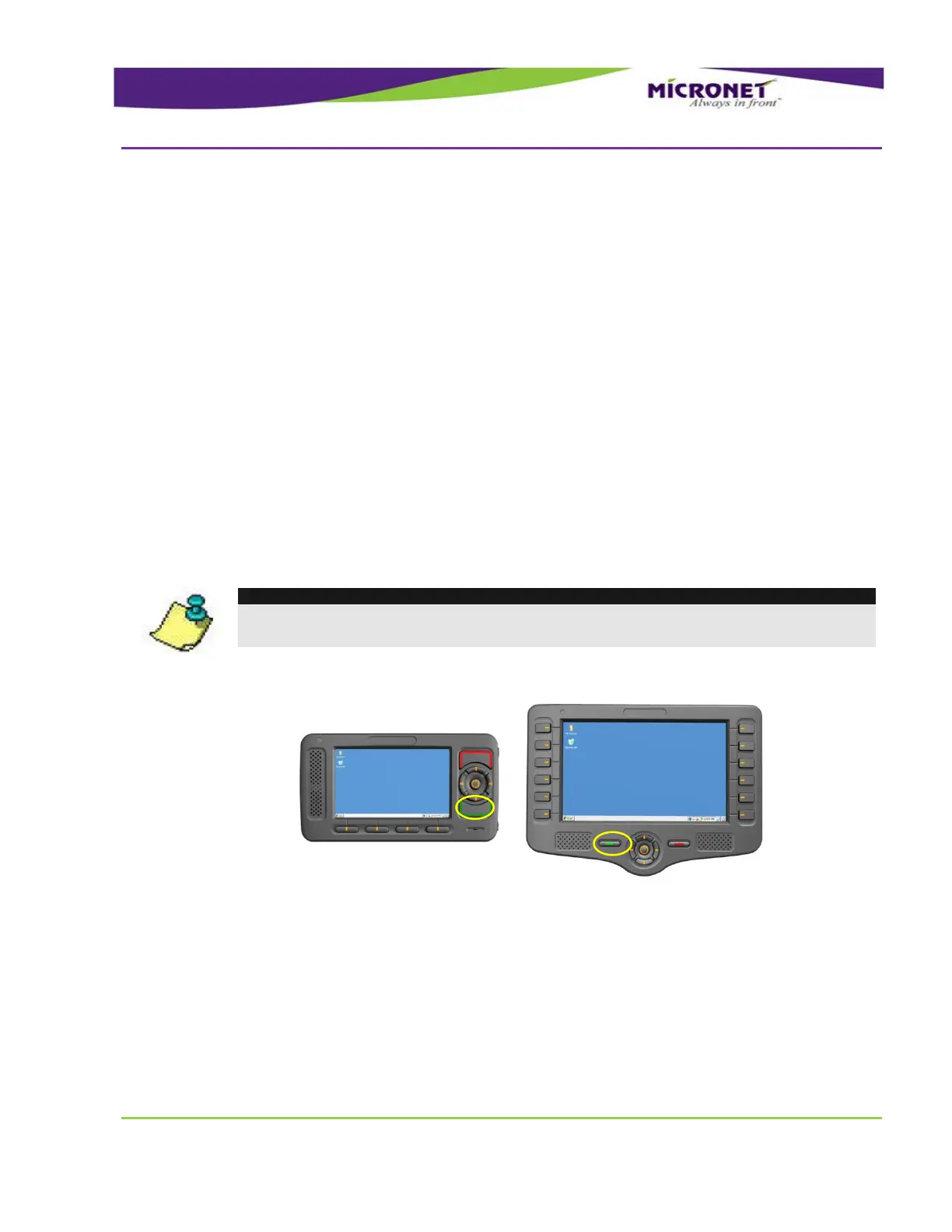
Pressing and holding Accept key for 3 seconds
Calling the API function
System Power management timeouts
Triggers to Exit the State:
Pressing Push key
RTC alarm notification
Digital Input 1 signal
Inserting the device to cradle
NOTE:
These events resume all processes from the same point when the device switched to
Suspended.
Figure 16 – Device manual software Suspend
Developers can define whether or not the device switches to the Shutdown state upon pressing the
Decline button using the Control Panel.



 To Next Page