9. PT Test
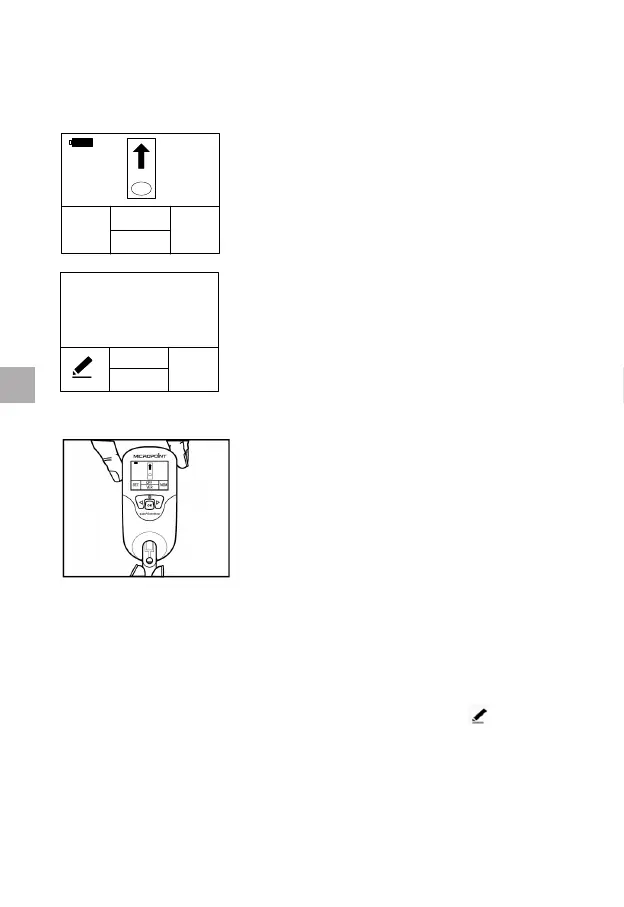
9.1 Entering Test Mode
When the qLabs
®
ElectroMeter is turned
on by pressing the “OK” button, the display
screen will prompt the user to insert a
test strip. Go to Section 9.2 for test strip
insertion.
STRIP CODE
OK
ON
PT/INR
1505320
LOT: 3050E0503
When the qLabs
®
ElectroMeter is turned
on by inserting a fresh test strip, the display
screen will prompt the user to conrm the
strip’s code. Go to Section 9.3 for entering
the strip code.
9.2 Insert a Test Strip
Remove a fresh test strip from its foil pouch.
Insert the strip into the test strip guide.
The following two observations indicate that
you inserted the strip correctly:
1. The electrode leads go in rst.
2. You can read “PT-INR” clearly on the
blue area of the test strip from left to
right.
9.3 Entering the Strip Code and Lot Number (if enabled)
When the test strip is inserted into the qLabs
®
ElectroMeter, the display
will prompt the user to enter a 7-digit Strip Code.
If the displayed code and lot number (if enabled) match the code on the
pouch, press the “OK” button to conrm. Otherwise, press “
” button to
edit the strip code and lot number (if enabled).
16
EN



 To Next Page