10. Reviewing Previous Results
10.1 Reviewing the Previous Results
Follow these steps to review previous results that are stored in the meter
memory.
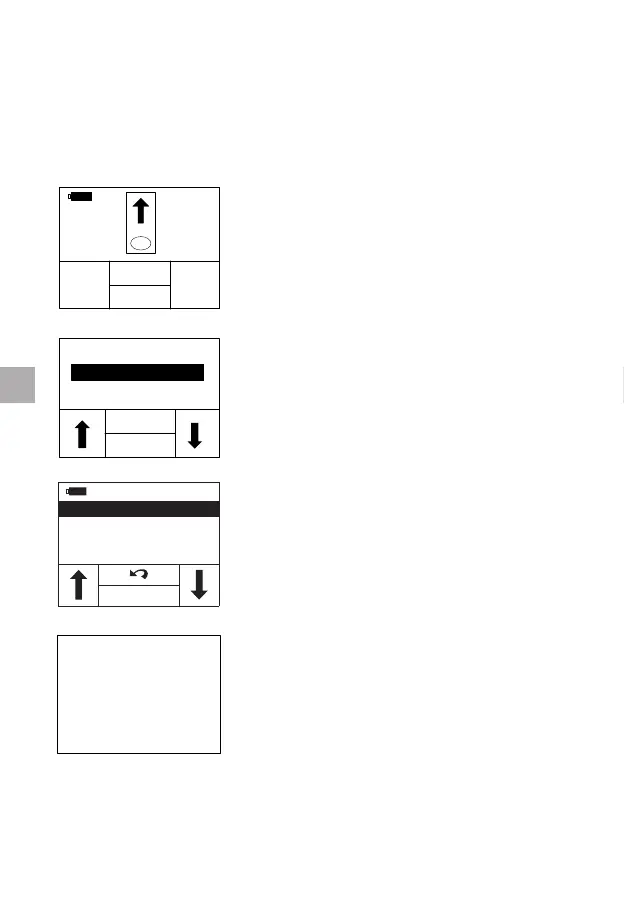
In the test mode where the display prompts
the user to insert a test strip.
Press the “MEM” button. The qLabs
®
ElectroMeter will enter the “Review/Delete”
interface.
01/01 PID0001
01/02
PID0002
02/01
PID0013
02/02
PID0015
OK
Select “Review” to enter Memory mode for
reviewing previous results.
If no previous results exist, the meter will
prompt “NO RECORD”.
Whenever a test is successfully performed, the result is automatically
stored in the meter memory along with the date of the test. The meter
memory will store up to 200 results.
22
EN
RESULTS
BACK
OK
REVIEW
DELETE



 To Next Page