EasyManua.ls Logo

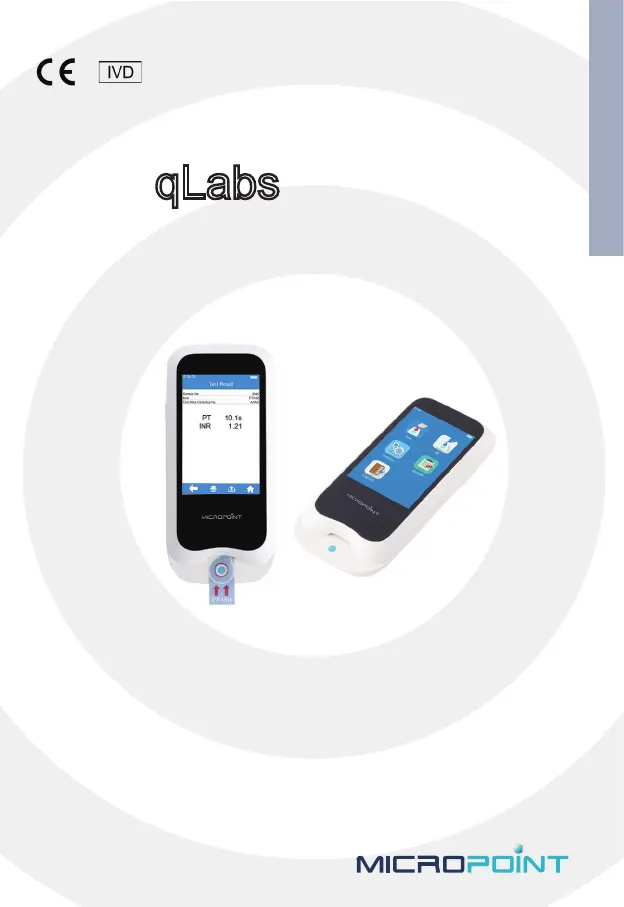
MICROPOINT qLabs ElectroMeter - User Manual

MICROPOINT qLabs ElectroMeter
55 pages
Print Icon
To Next Page IconTo Next Page
Loading...
A
qLabs
®
ElectroMeter
Users Manual
For Health Care Professional Use Only
REF Q-3 Plus

Questions and Answers

Summary

Introduction

Before You Start

Instructions to read the manual before using the device.

Intended Use

Purpose of the qLabs monitoring system for quantitative measurement.

Test Principle

How the qLabs ElectroMeter detects coagulation and determines results.

Packaging

Information on how the qLabs ElectroMeter is packed and storage advice.

Product Overview

Operation Summary

Before Testing

Precautions, Limitations and Warnings

Care of Your qLabs ElectroMeter

Guidelines for handling, storing, and maintaining the qLabs ElectroMeter.

Patient Health Status

Importance of considering patient health for accurate test interpretation.

Performing a Test

Instructions and precautions for operating the qLabs ElectroMeter during a test.

Collecting a Fingerstick Blood Sample

Steps for properly collecting a fingerstick blood sample for testing.

Collect fresh venous whole blood samples

Procedures for collecting venous blood samples for the qLabs system.

Electromagnetic Compatibility

Information on EMC compliance and potential interference.

Power On;Off

Power On

Steps to turn on the qLabs ElectroMeter and initial setup.

Power Off

Procedures for turning off the qLabs ElectroMeter and auto-shutdown.

Settings

Enter Settings Screen

How to access the main settings menu on the qLabs ElectroMeter.

Language

How to select the desired language for the qLabs ElectroMeter interface.

Bluetooth

Instructions for enabling, disabling, and connecting the qLabs ElectroMeter via Bluetooth.

Test Parameter

How to configure test parameters like Sample No., Codechip, and Reference Range.

System Parameter

Configuration of system parameters like Date/Time, Beeper, and Screen Rotation.

About the Device

Viewing device information such as version and system log.

Operator ID

Setting up and managing operator identification and password on the meter.

Sample Test

Input Sample No.

Entering the sample number for a test, manually or automatically.

Insert a Test Strip

How to correctly insert a test strip into the qLabs ElectroMeter.

Input Test Strip Information

Entering the Codechip number for the inserted test strip.

Install Codechip

Installing the test strip Codechip into the meter's chip slot.

Heating

The meter enters a heating state before sample addition.

Add Sample

Instructions for adding the blood sample to the test strip.

Perform a Test

Initiating and monitoring the test after sample addition.

Test Results

Displaying and interpreting the PT/INR and APTT test results.

Quality Control

Insert a Test Strip

Inserting a test strip for quality control testing.

Input Test Strip Information

Entering Codechip information for the QC test strip.

Install Test Strip Codechip

Installing the Codechip for the QC test strip into the meter.

Input QC Information

Entering the Codechip number for the QC liquid.

Install QC Liquid Codechip

Installing the Codechip for the QC liquid into the meter.

Heating

The meter enters the heating state for QC testing.

Add Sample

Adding QC liquid sample to the test strip.

QC Test

Performing the quality control test with the QC liquid.

QC Test Results

Displaying and interpreting the results of the quality control test.

Results

Result Channel

Accessing the results query screen to view test and QC results.

Test Result

Viewing detailed information of individual test results.

QC Results

Viewing detailed information of individual QC results.

Maintenance

Care and Cleaning of Your qLabs ElectroMeter

Instructions and frequency for cleaning the qLabs ElectroMeter.

Recommended cleaning;disinfecting solutions

Recommended cleaning solutions and cloths for the qLabs ElectroMeter.

Cleaning and disinfecting the meter housing

Step-by-step guide for cleaning and disinfecting the meter's exterior.

Precautions for Lithium-ion Battery

Safety precautions and charging advice for the device's lithium-ion battery.

Servicing

Information on servicing and repair of the qLabs ElectroMeter.

Troubleshooting

Symbols

Operating Condition and Product Specifications

Operating Condition

Environmental conditions required for operating the qLabs ElectroMeter.

Product Specifications

Technical specifications of the qLabs ElectroMeter, including processor, display, and power.

Special storage conditions and methods

Warranty

Limited Warranty

Terms and conditions of the limited two-year warranty for the qLabs ElectroMeter.

MICROPOINT qLabs ElectroMeter Specifications

General IconGeneral
Sample Volume10 μL
Operating Temperature10°C to 40°C
ConnectivityUSB
Dimensions120 x 65 x 25 mm
Weight150 g
DisplayLCD
Sample TypeWhole blood
Measuring Range (PT/INR)0.8 - 8.0 INR
Storage Temperature (Test Strips)2°C to 30°C
Measurement Range0.8 - 8.0 INR
Input ImpedanceNot Applicable
Storage TemperatureNot Applicable
Power Supply2 x AAA batteries

Related product manuals