39
9.9 QC Test Results
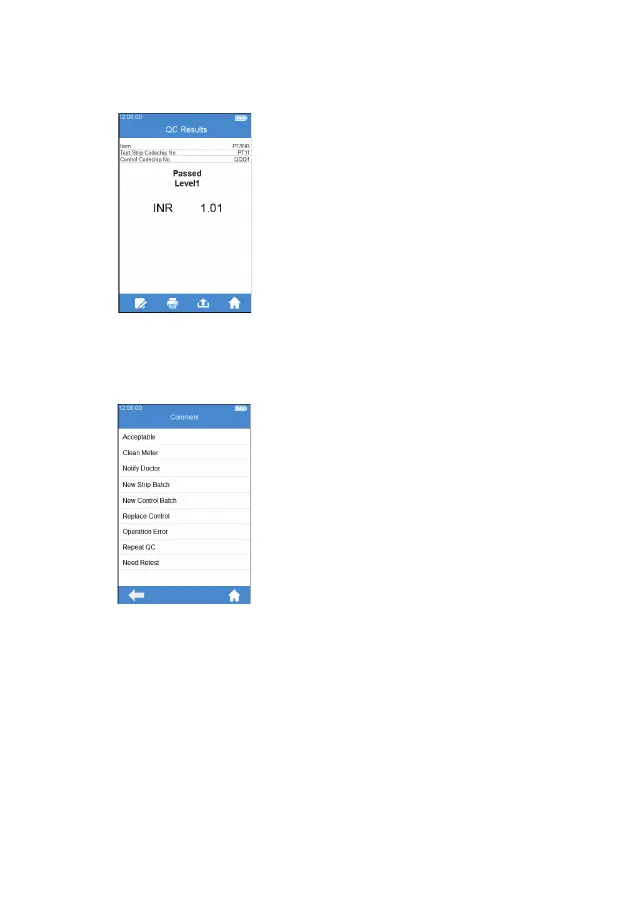
The system will display the QC test
results after the test is completed
(Figure 5-9). The test results can
be printed or uploaded, provided
that the instrument is properly
connected to the printer or server.
From Query Result screen (Figure
5-9), touch "Comment" icon to add
a comment to the test result (Figure
5-10). You can select 3 comments
for each test result at most. The
comment can be selected from
the software prede nition and
will be displayed under the result.
The available comments include:
Acceptable, Clean Meter, Notify
Doctor, New Strip Batch, New
Control Batch, Replace Control,
Operation Error, Repeat QC, Need
Retest.
(5-9)
(5-10)



 To Next Page