24
7.6 About the Device
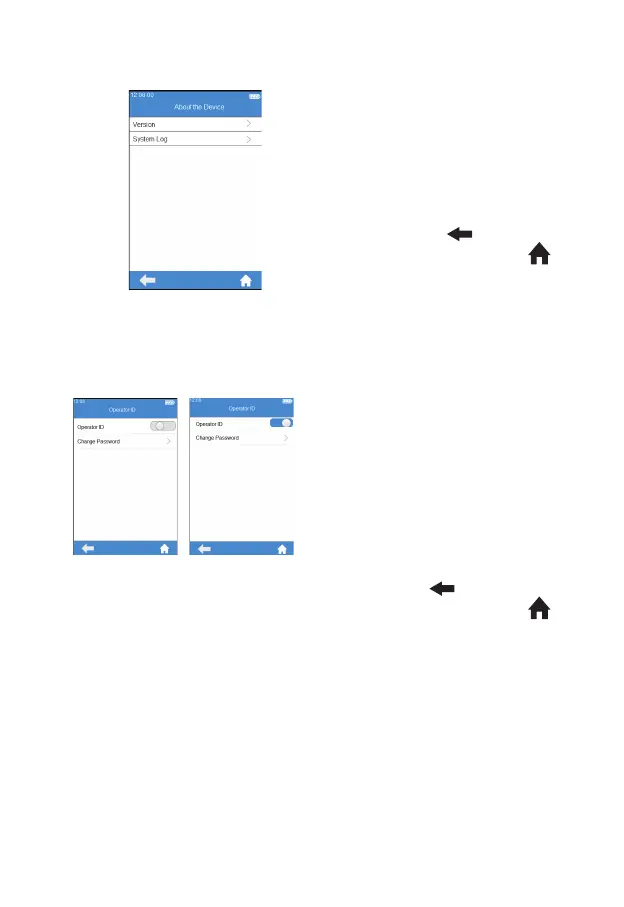
Click "About the Device" from
Settings screen (Figure 3-1) to enter
the screen that displays the system
information (Figure 3-25). The user
can check the version and log
information. Click "
" to return to
the previous screen and click " "
to return to the main menu.
7.7 Operator ID
From Settings screen (Figure 3-1),
touch "Operator ID" to set it to On
or Off (Figure 3-26). To set Operator
ID, you must enter the Admin
password rst, which is 123456 by
default. Input operator ID or scan its
barcode to perform the operation
directly. The left gure indicates
Operator ID is not available, so there
is no need to input operator ID.
The right one means Operator ID is
available. Click "
" to return to
the previous screen and click " "
to return to the main menu.
(3-25)
(3-26)



 To Next Page