13
7 Settings
7.1 Enter Settings Screen
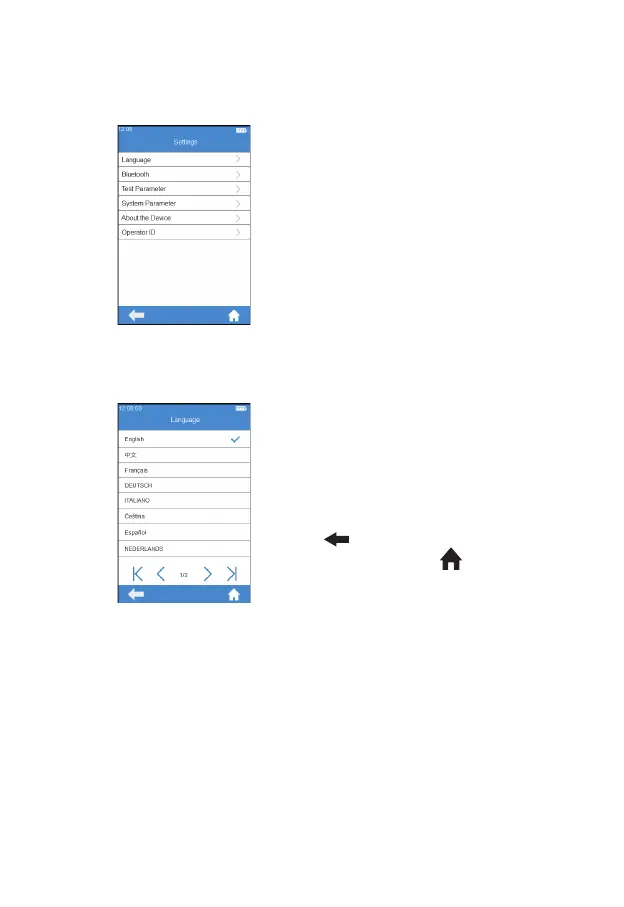
Click the "Settings" icon from the
main menu screen (Figure 2-2) to
enter the Settings screen (Figure
3-1).
7.2 Language
Click "Language" from the Settings
screen (Figure 3-1) to enter the
screen that prompts the user to
select a language (Figure 3-2). The
user can select different language
by touching the desired one. Click
"
" to return to the previous
screen and click " " to return to
the main menu.
(3-1)
(3-2)



 To Next Page