47
12 Troubleshooting
When you receive an error code, please retest. If you receive
a second error code, then contact your local distributor and
test the patient with a laboratory method. Do not interpret an error
code as a patient result in any case.
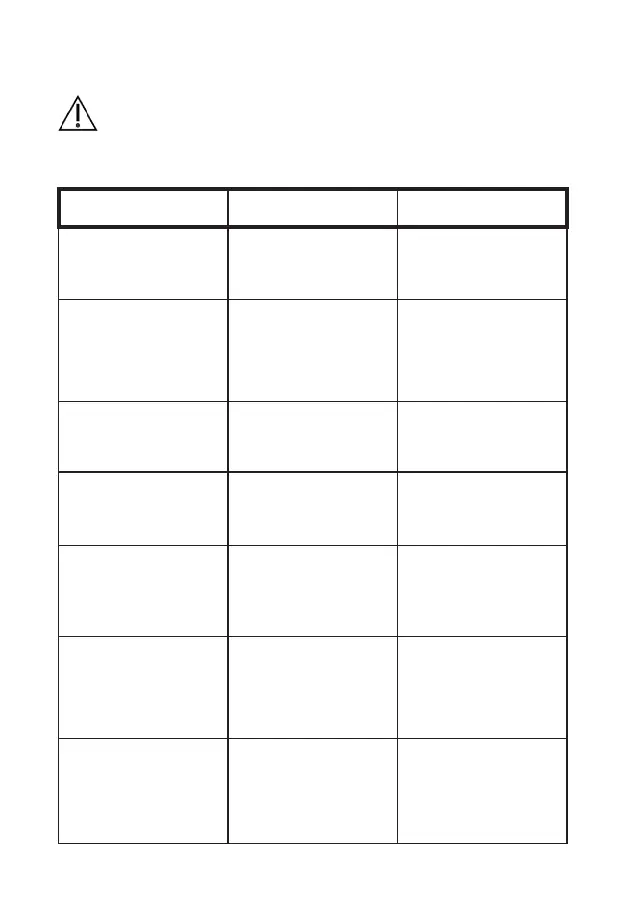
ERROR CODE DESCRIPTION
CORRECTIVE
ACTIONS
E001 Low battery.
Please use power adapter or
the base as a power source.
E002 Heating has timed out.
Please adjust the ambient
temperature to 10 °C ~ 35
°C, and turn off the meter for
5 minutes, then turn on the
meter and restart the test. If the
problem recurs, please contact
the relevant technical staff.
E003
The ambient temperature is too
high or too low.
Please ensure that the meter is
used in an environment of 10 °
C ~ 35 ° C.
E004
The added sample is
insufcient.
Please retest with a new test
strip and ensure that the added
blood is sufcient for the test.
E005 Internal QC failed.
Please use an unexpired test
strip and enter the correct test
strip Codechip number.
E006 External QC failed.
Please ensure that the test strip
and control are within the expiry
period, and enter the correct
test strip Codechip number and
control Codechip number.
E007.x PT calculation error.
Please retest with a new test
strip. If the problem recurs,
please contact your local dealer
and use the laboratory method
to perform the test.



 To Next Page