38
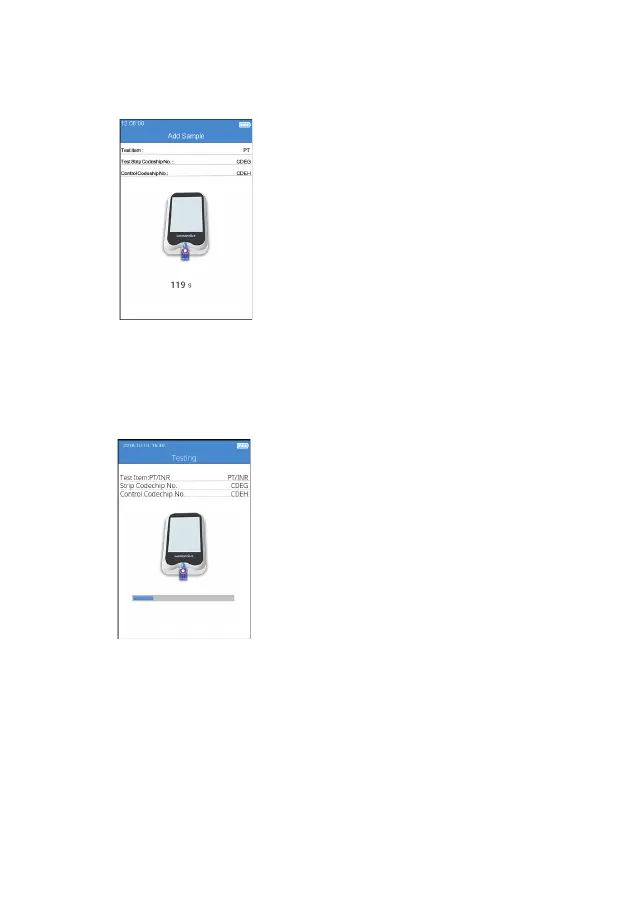
9.7 Add Sample
The system will count down and
prompt the user to add sample
(Figure 5-7) upon the completion of
heating, and the sample must be
added within 120 seconds. Please
strictly follow the requirements of
the QC liquid insert during sample
adding. Do not move the instrument
or your ngers during sample
adding. If the sample is not added
properly within 120 seconds, the
system will deliver an error message
indicating sample adding is timeout.
9.8 QC Test
After the QC liquid is added,
the system will start the QC test
automatically and display the test
progress (Figure 5-8).
(5-7)
(5-8)



 To Next Page