25
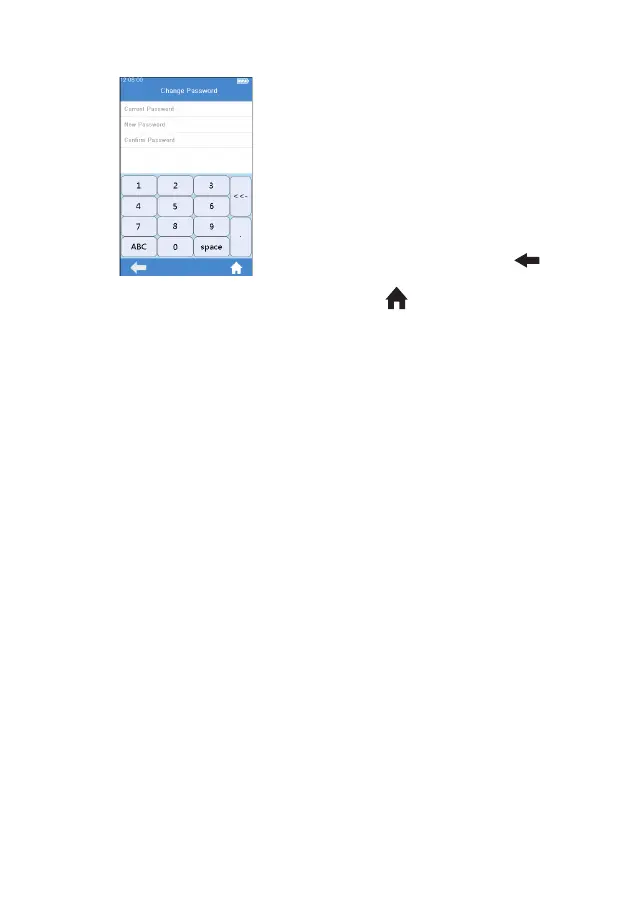
Click “Change Password” from
Operator ID menu (see gure 3-26)
to enter the Change Password
menu (see gure 3-27). To change
password, please enter Current
Password and New Password,
then enter New Password again
to con rm the password. If the
password is forgotten, please
contact your local dealer or the
relevant technical staff.Click "
" to return to the previous screen
and click " " to return to the main
menu.
(3-27)



 To Next Page