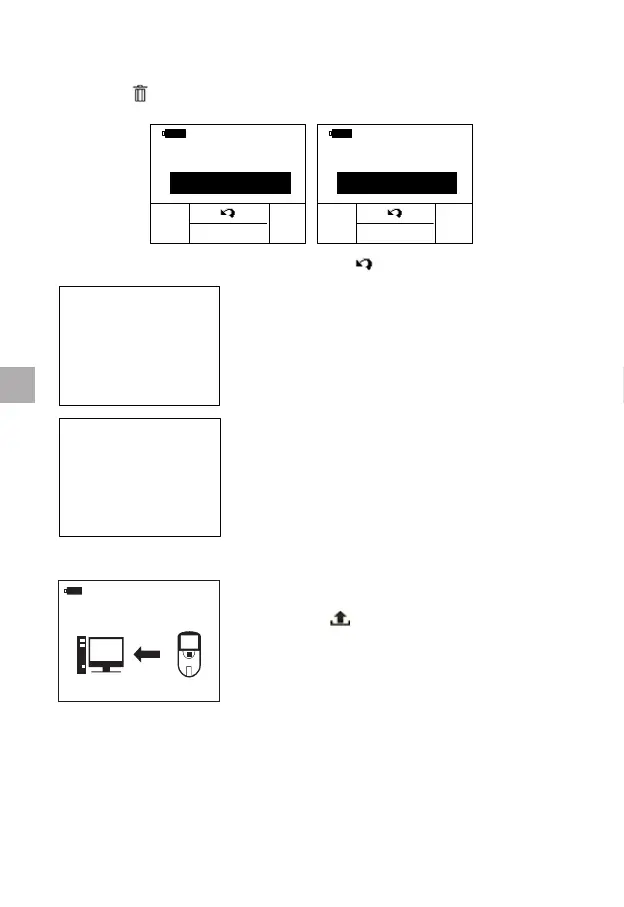
10.1.2 Deleting Patient Test Results
Press the “
” button to enter “delete setting” interface.
Press the “OK” button to conrm or press “ ” button to exit.
If the option to delete the current result
is selected, the “DELETED” symbol will
ash on the display for a short time, the
subsequent results will be displayed.
If the option to delete all results is selected,
the display will show “NO RECORD”.
10.1.3 Uploading Patient Test Results
Press the “
” button to upload the selected
results to the qLabs
®
Data Manager.
10.2 Fast Deleting the Previous Results
Follow these steps to fast delete the previous results that are stored in the
meter memory.
24
EN



 To Next Page