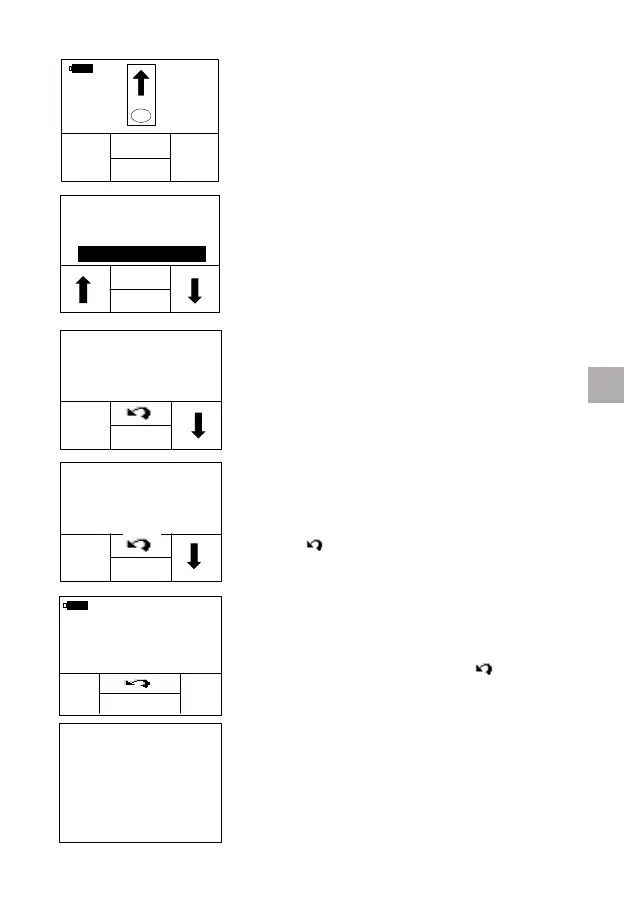
In the test mode where the display prompts
the user to insert a test strip.
Press the “MEM” button. The qLabs
®
ElectroMeter will enter the “Review/Delete”
interface.
Select “DELETE”. The qLabs
®
ElectroMeter
will enter Fast Deleting Mode.
Press the “â” button to scroll through the
previous results, press “√ ” button to select
the results which need to be deleted. Press
“Delete” to delete the selected results.
Press “
” button to return to the previous
interface.
When you pressed “DELETE” button, the
meter will prompt you to conrm. Press “OK”
to continue the deleting, press “
” button to
re-select results.
Once the deleting is nished, the “DELETED”
symbol will ash on the display for a short
time, and then return to the Fast Deleting
Mode.
25
RESULTS
BACK
OK
REVIEW
DELETE
□ALL
□01/02 2.0INR
□01/01 1.9INR
□01/01 2.3INR
√
DELETE
□ALL
□01/02 2.0INR
■01/01 1.9INR
□01/01 2.3INR
√
EN



 To Next Page