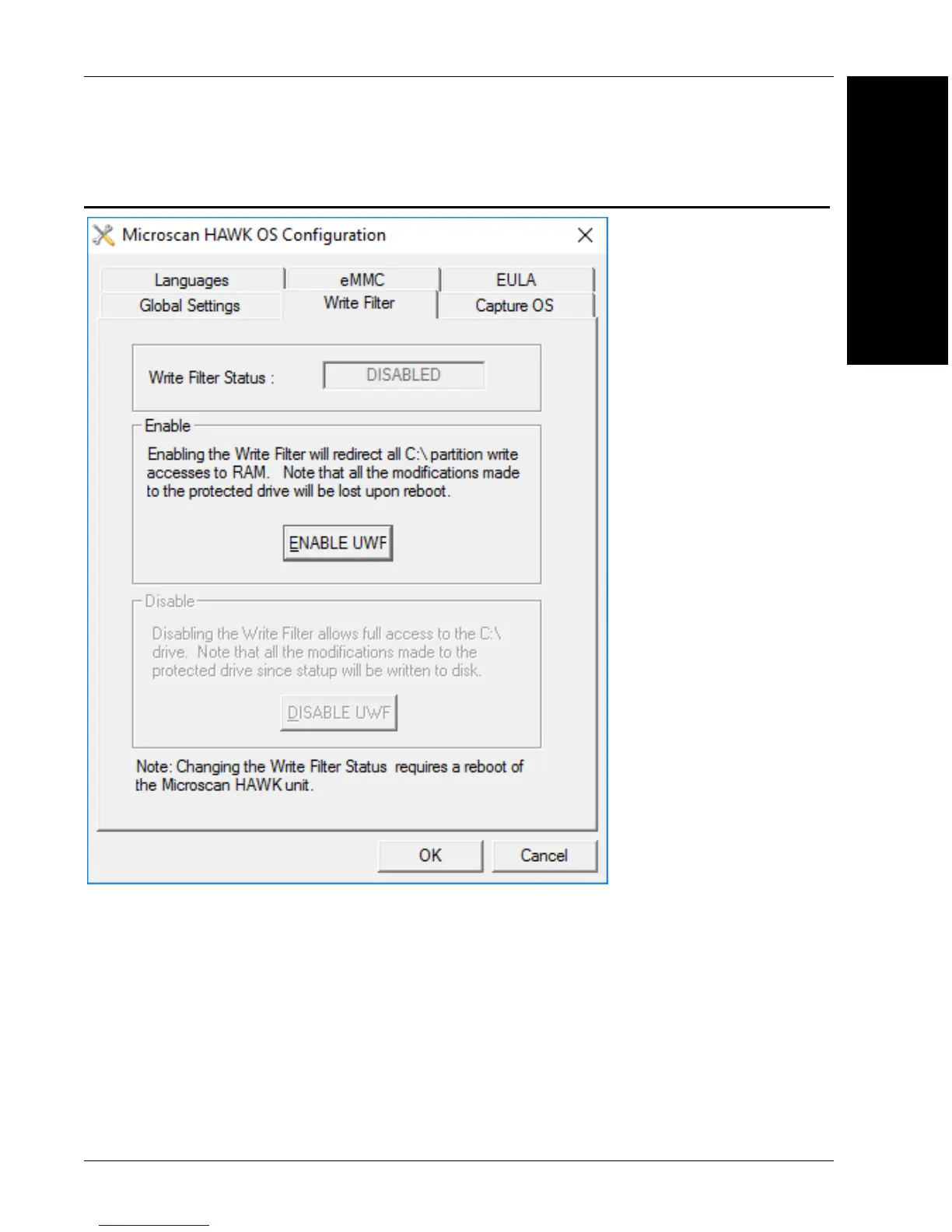
Write Filter Tab
Operating System
Recovery
H
HAWK MV-4000 Smart Camera Guide H-3
Write Filter Tab
Clicking ENABLE UWF enables the Windows Universal Write Filter on the device. If you
enable this, any changes made to the device will not be written to the hard disk, and will be
lost on reboot.
Clicking DISABLE UWF disables the Windows Universal Write Filter again after reboot.
The UWF is disabled by default.



 To Next Page