Chapter 2 System Components
2-44 HAWK MV-4000 Smart Camera Guide
Setting Up a Job in AutoVISION
AutoVISION is a critical component of the HAWK MV-4000’s functionality. Designed for use
with the HAWK MV-4000, AutoVISION provides an intuitive interface, step-by-step configuration,
and a library of presets that allow easy setup and deployment. For more complex vision
applications, the system can be upgraded from AutoVISION to Visionscape.
1. Mount and connect the HAWK MV-4000 hardware.
2. Plug in the power supply.
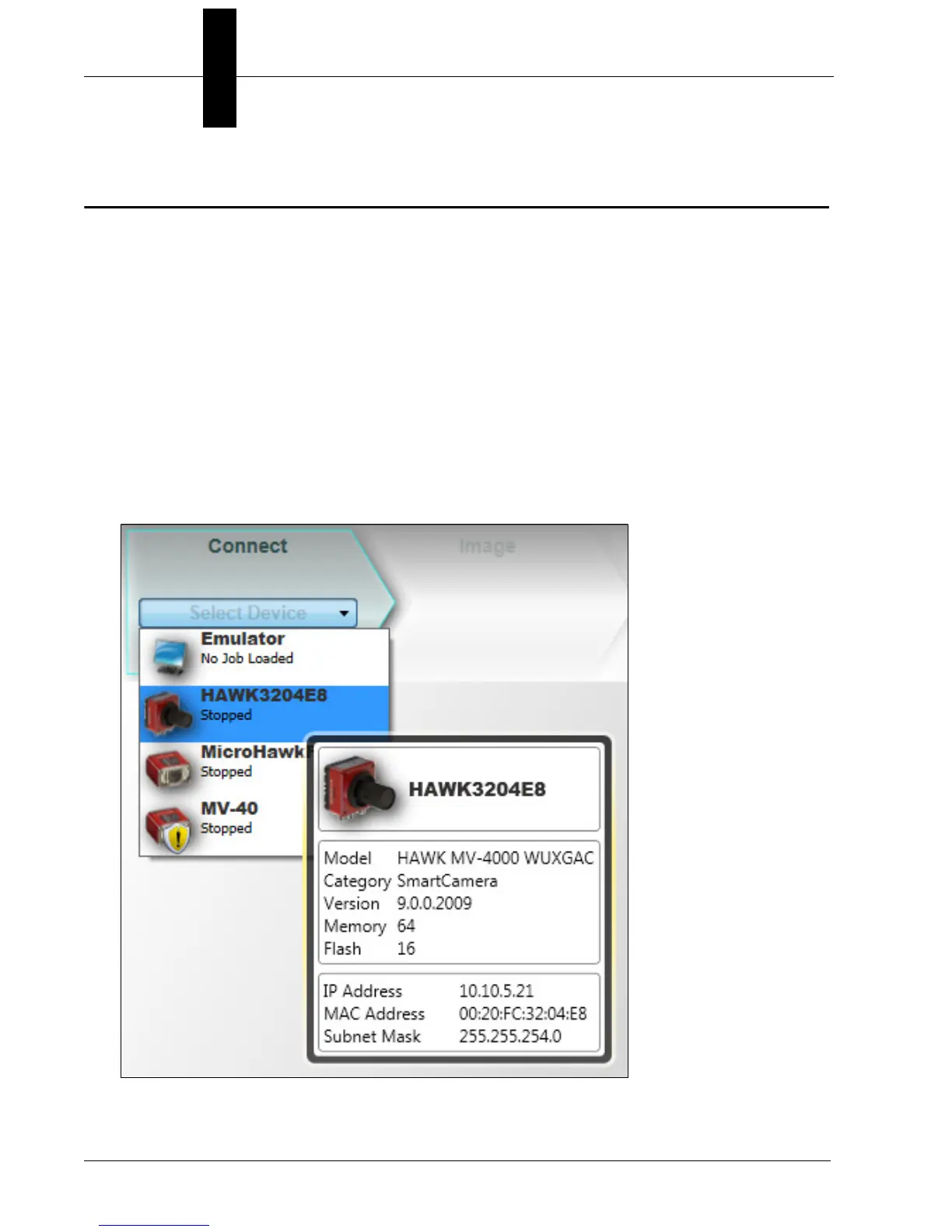
3. Select your HAWK MV-4000 in the AutoVISION Connect view, create a job, and adjust
camera settings.
AutoVISION's Connect view allows you to select your device and configure its settings,
and to create a new job. The Select Device dropdown menu provides a list of available
devices. Hover the mouse over a device to see its details.



 To Next Page