Setting Up a Job in AutoVISION
System Components
2
HAWK MV-4000 Smart Camera Guide 2-47
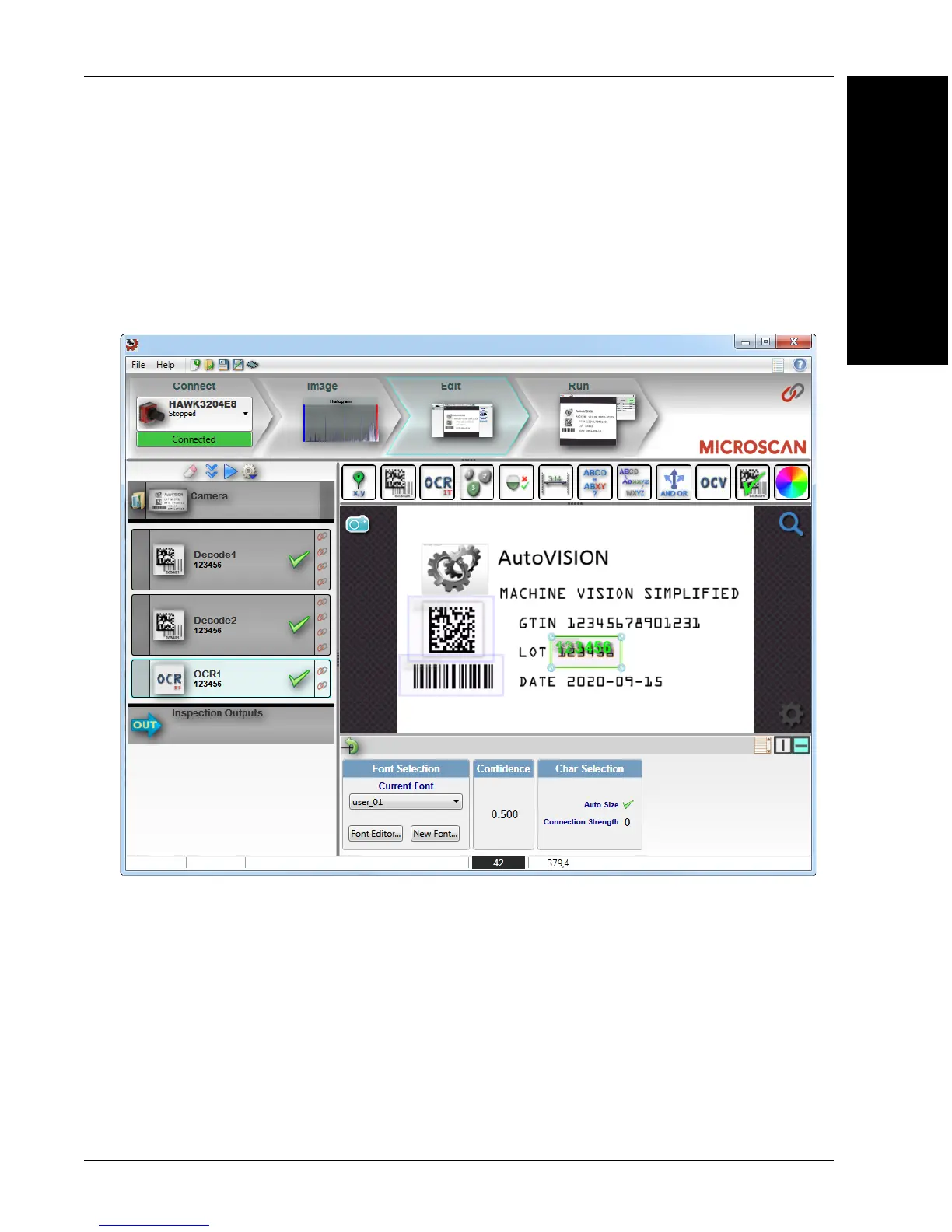
4. Edit the Job in AutoVISION.
After you have created a new job, loaded a job from your PC, or uploaded a job from
the camera, you will proceed to the Edit view to refine your machine vision job. The
Camera parameters below the captured image allow you to set Gain, Exposure, Focus,
Trigger, and Lighting. Inspection Outputs options allow you to connect your job to the
outside world. This is also the view where you can add multiple tools to the job. The
tool icons are located above the main view area.



 To Next Page