© Midmark Corporation 2016
Rhythm Settings
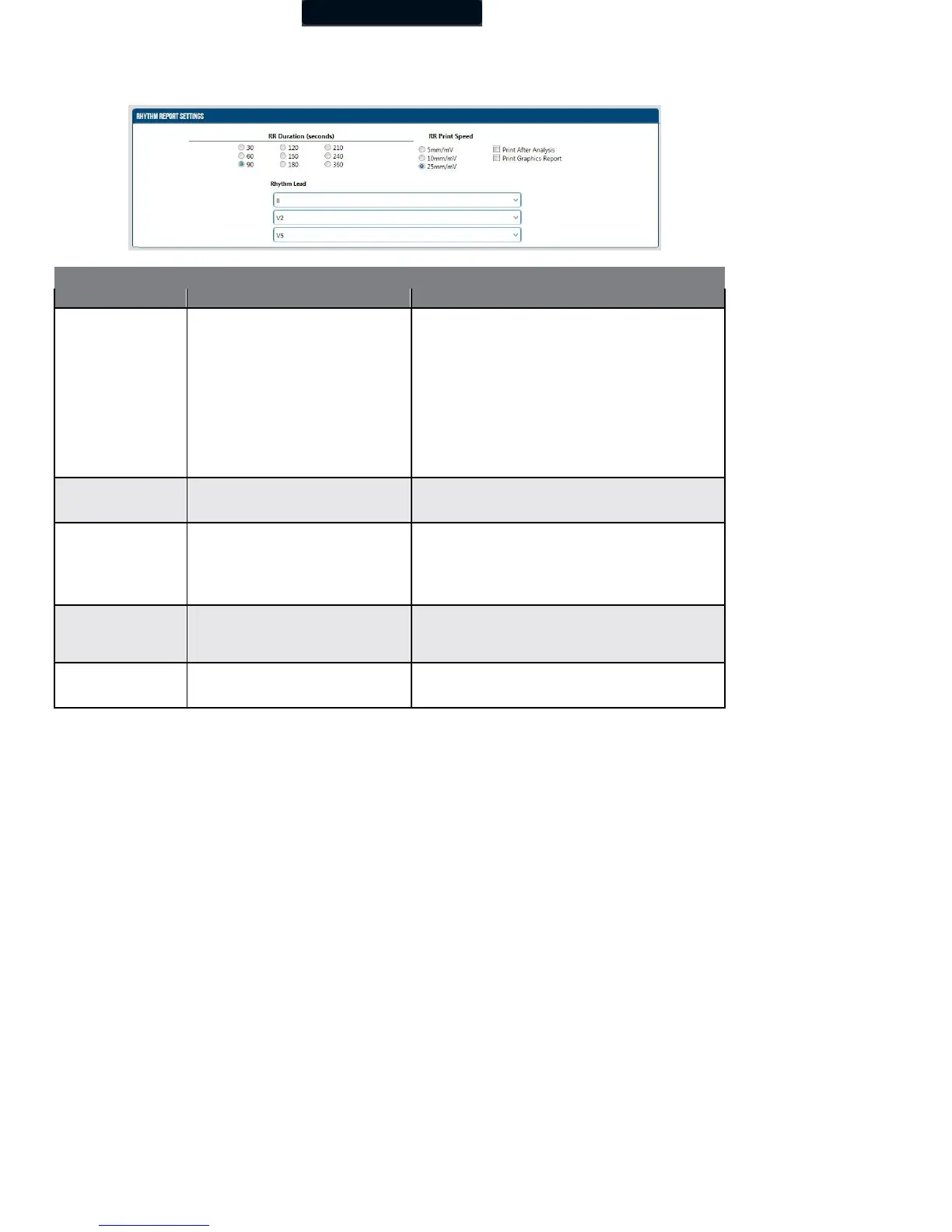
In the Rhythm Settings section of the ECG Settings window, you can preset the default test duration and report format. Rhythm Leads
provides choices for the three rhythm leads from all available leads.
Default setting is 90 sec.
The default setting is the length of the rhythm strip acquired
through Start RR test. The rhythm strip is defined in the ECG
Settings.
1. 5 mm/sec
2. 10 mm/sec
3. 25 mm/sec
Default setting is 25 mm/sec.
This setting defines the print scale of the ECG tracings for RR
test.
Default setting is Off (cleared).
When set to On (checked), the RR test report is printed
automatically following successful completion of RR test
analysis.
NOTE: For speed, set to Off and print manually.
Default setting is Off (cleared).
When set to On (checked), the graphic report, which includes
the RR Trend and RR Histogram, is printed automatically with
the RR rhythm strip report.
Select any three leads
I, II, III, aVR, aVL, aVF, V1, V2, V3(V3R),
V4(V7), V5, V6
Default settings are II, V2 and V5.



 To Next Page