© Midmark Corporation 2016
Click Cancel to stop the test during the first 30 seconds.
Click End to manually stop the test and review the data. When the time limit (from settings) has been reached, the software will
automatically display the review screen. The data is saved only after you click Save in the review screen.
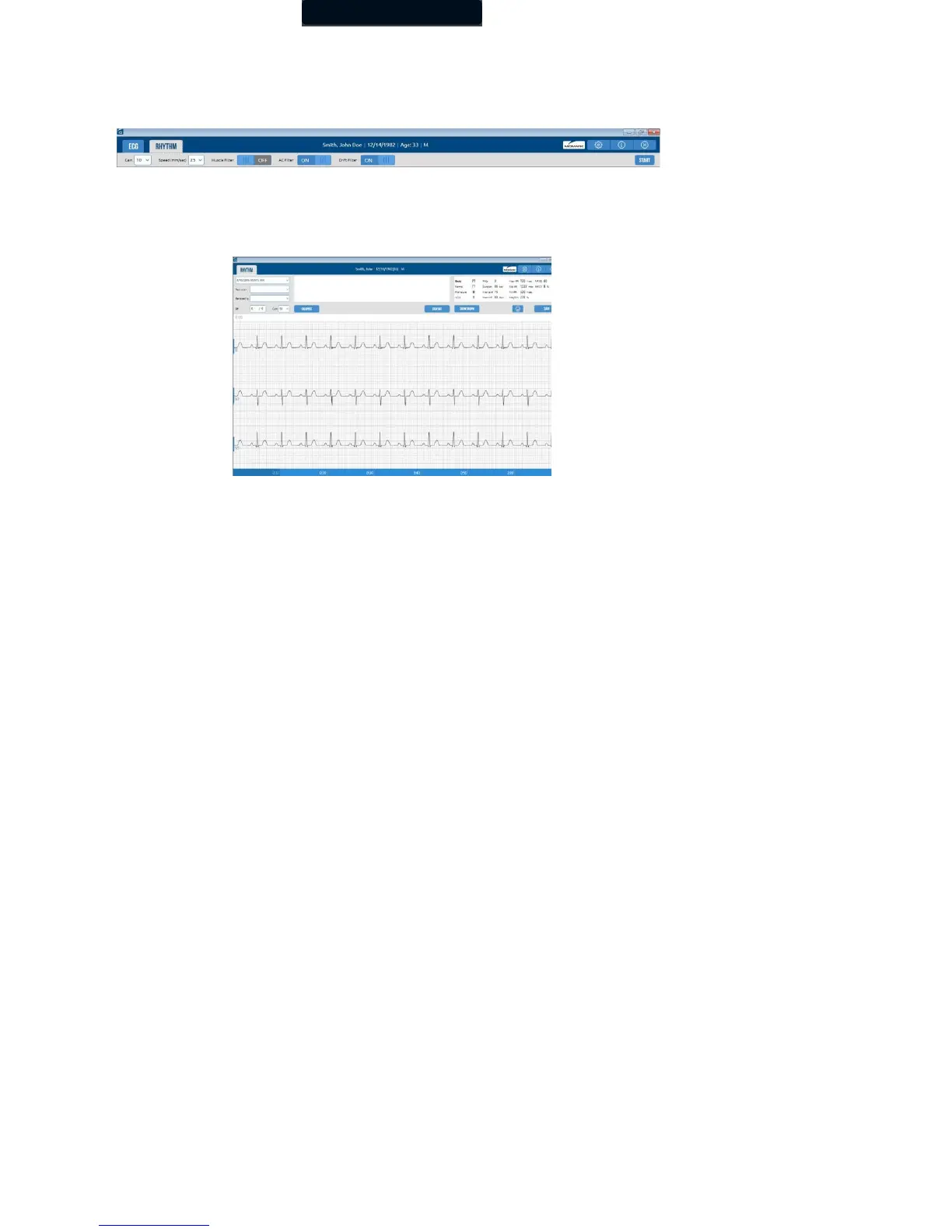
Rhythm Review
The Rhythm Review screen is displayed after a Rhythm test has ended.
The Rhythm Review screen displays the following data:
• Test date and time
• Technician
• Physician
• Blood Pressure
• Test data
The Rhythm Review screen has the following functionality:
• Report selection drop-down menu
• Gain drop-down menu
• Calipers toggle
• Print button
• Save button
Click the 10-second markers at the bottom of the Rhythm Review screen to move between 10-second



 To Next Page