Preva Installation/Service Manual, 00-02-1577, Revision E01
105
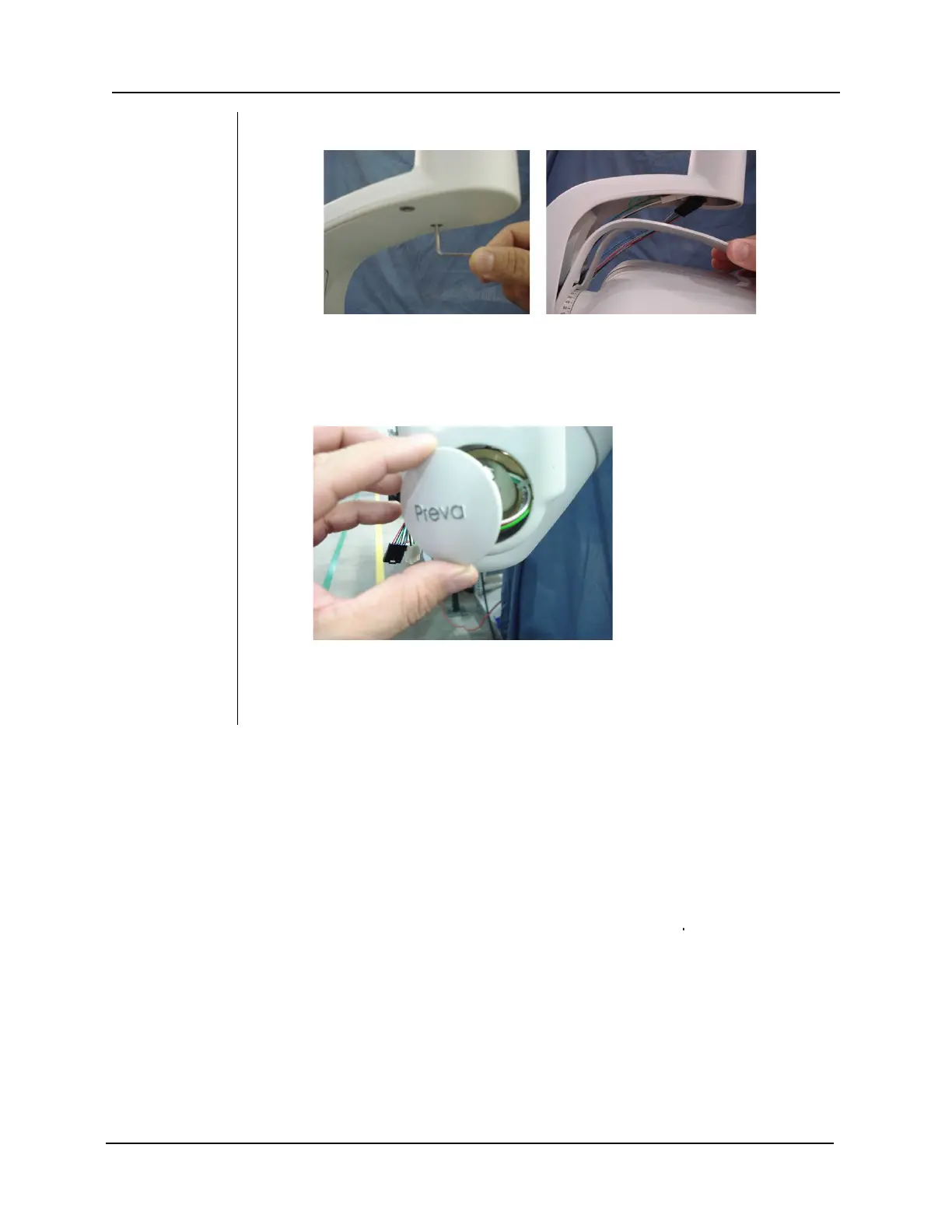
Figure 97
34. Mount the yoke cover that was removed in (Step 4)
35. Verify that the wires are not binding when the tubehead is rotated
completely clockwise or completely counter-clockwise. The cabling
should expand and contract cleanly and evenly without any binding.
Figure 98
36. Place the cap back on the tubehead.
37. Proceed with the automated calibration found on page 74 if Logic PCB
firmware revision is 5.0 or lower.



 To Next Page