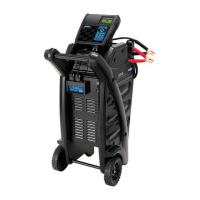
GR8-1200 OEM
Midtronics Inc. 7000 Monroe Street Willowbrook, IL 60527
www.midtronics.com
16
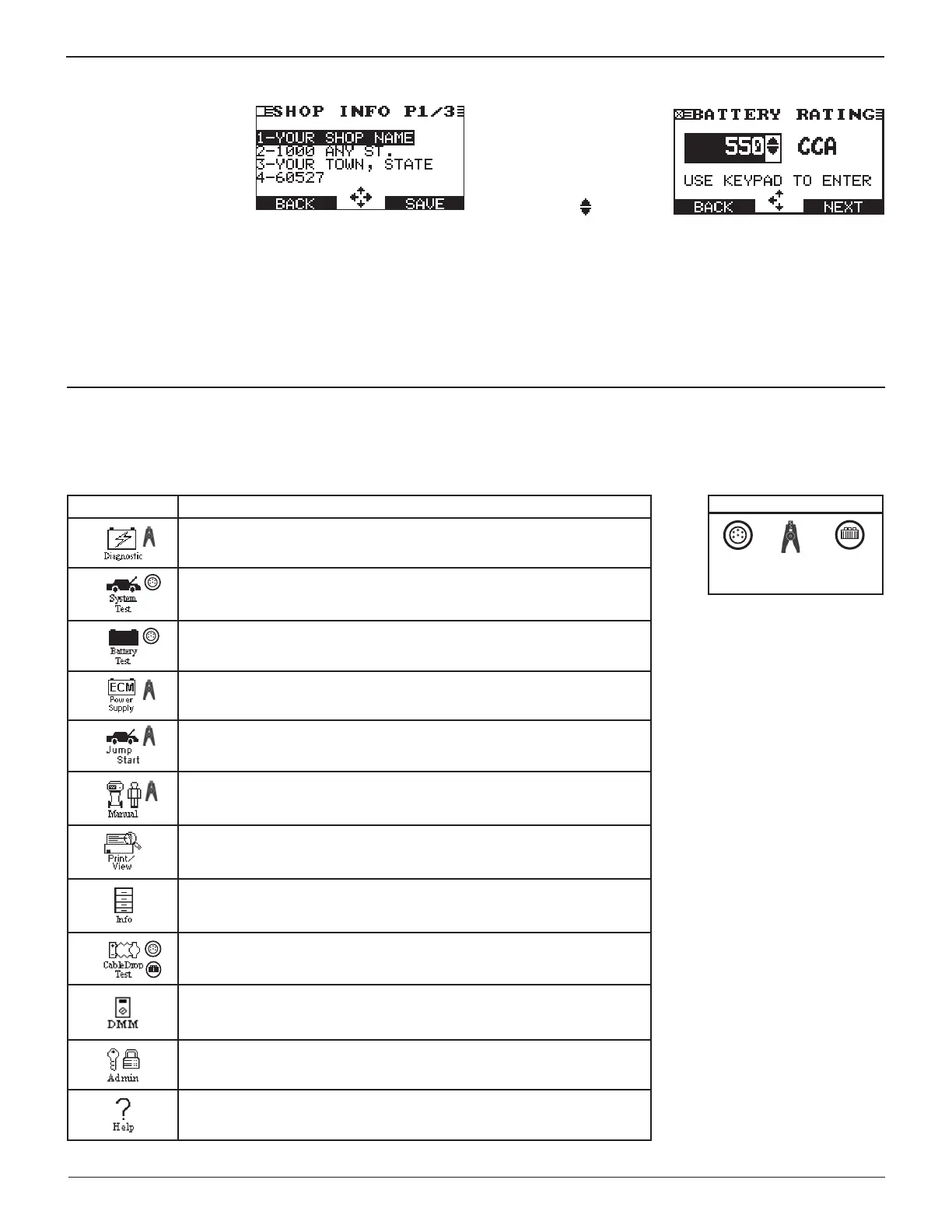
Alphanumeric Entry
Some selections require you
to use the alphanumeric
keypad. These “user-de ned”
selections have a blinking
horizontal line (cursor) to the
right of the last character.
Use the UP or DOWN ARROW keys to highlight a line for
editing. Display the character, symbol, or number you want
by rapidly pressing its key as many times as needed. If you
pause, the cursor moves to the right. To backspace, press the
LEFT
(W)
ARROW
key. Use the RIGHT ARROW key to add a
space. Use the UP or DOWN ARROW keys to highlight a line for
editing. When nished, press the appropriate soft key to save
your settings.
Value Boxes
Value boxes contain items
that extend above and
below the selection box that
contain them. To indicate
that there are more values,
the symbols
appear to
the right of the box.
To select, use the UP or DOWN ARROW key to scroll to the
value, or use the keypad to enter the value directly, and press
the appropriate soft key. In the illustration the left directional
arrow indicates that you can press the
LEFT
(W)
ARROW key
to
clear all or part of the entry.)
Chapter 2: Overview
Main Menu
The Main Menu is the starting point for all tools and utilities, which are depicted as icons. Some icons lead directly to the function
they represent, while others are menu icons that lead to two or more options.
Table 4: Main Menu Icons
Menu Icon Description
Automatically tests, charges, and provides battery decision using the
information you select in a series of screens.
Tests a battery, and the starting and charging systems.
Tests a battery using the battery information you select in a series of
screens.
Tests and maintains battery voltage at 13.5 volts to provide uninterrupted
reprogramming of ECMs and retain vehicle system settings.
Makes high output current available to boost charge an in-vehicle battery
and assist in starting the engine.
Provides a timed charge that ranges from 5 to 120 minutes or a
continuous charge that ends when you press the STOP key.
Prints and displays the results of the last battery, starter, and electrical
system test; a test stored on the data card; the last cable drop test; and
the last inventory test.
Includes a utility to view and print test results, a total test counter, a data
transfer utility, and the software version and date, and GR8 serial number
for the control module.
Test the voltage drop of circuits.
Digital multimeter with 8 test meters, a temperature sensor, and options
for clamps and probes.
Includes fourteen utilities, many of which customize your user interface.
Provides a list of topics and defi nitions. Also includes Midtronics Customer
Service phone numbers.
*Menu icons marked with an asterisk (*) are mapped on the following pages.
Required test leads
Large
clamps
Battery
test
clamps
DMM
clamps or
probes
*
*
*
*


 To Next Page