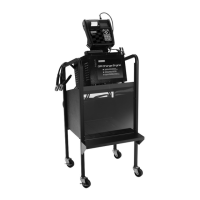
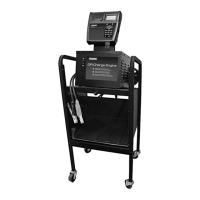
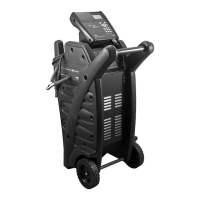
GR8-1200 OEM
Midtronics Inc. 7000 Monroe Street Willowbrook, IL 60527
www.midtronics.com
17
Chapter 2: Overview
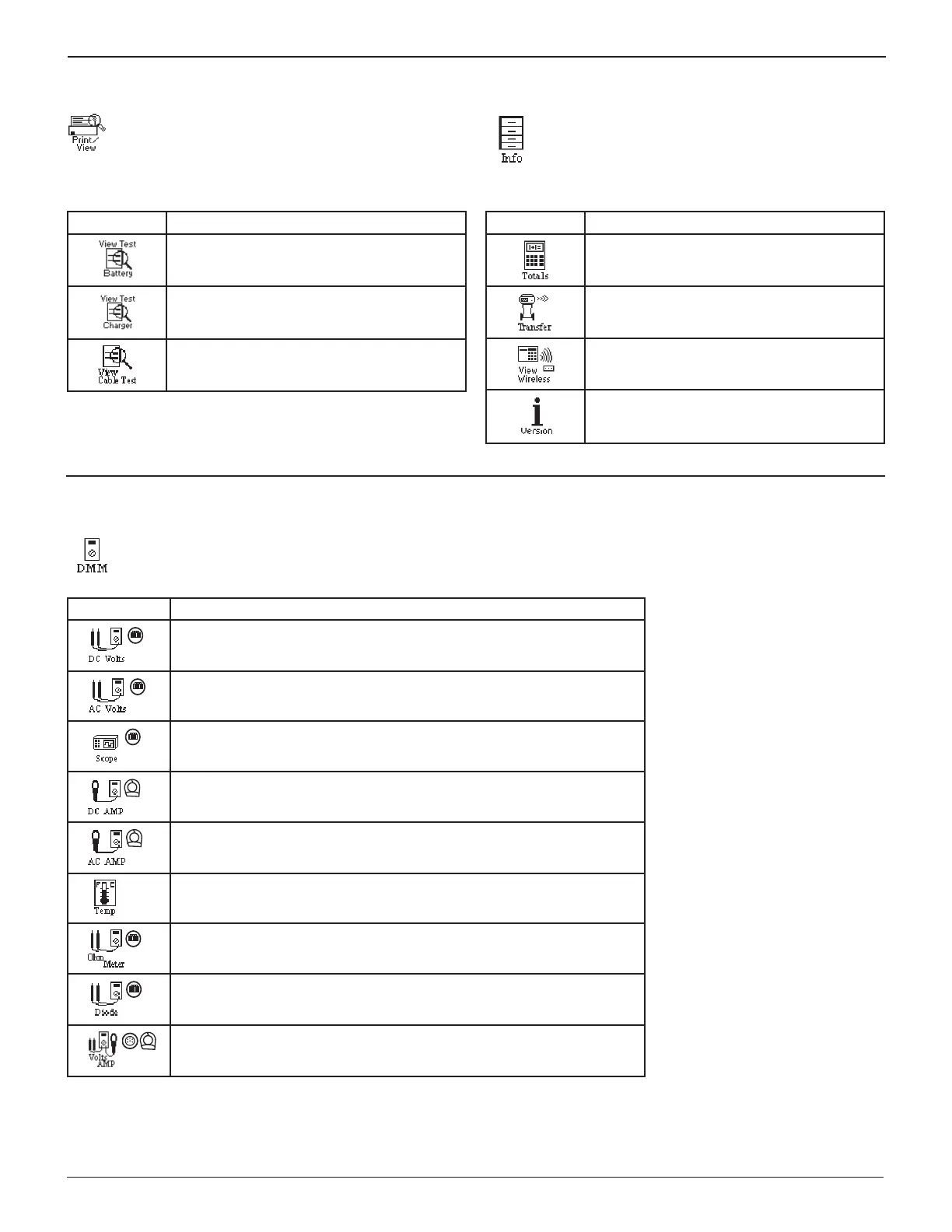
Print/View Menu
Allows you to view and print battery results.
Table 5: Print/View Icons
Menu Icon Description
Displays the last Battery results. Sends the
results to the printer.
Displays the last Charger results. Sends the
results to the printer.
Displays the last Cable Drop Test result.
Sends the result to the printer.
Info Menu
The Info menu allows you to select Totals, Transfer
results and view Software Version information.
Table 6: Info Menu Icons
Menu Icon Description
Display total results from the tester or charger.
Transfers test results and counters to an IR
receiver and data card.
Displays wireless communication quality and
channel being used.
Lists the software version, version date, and
serial number.
DMM Menu
The DMM menu
has icons for a temperature sensor and 9 test meters, some of which require di erent test leads. The
amp clamp, DMM clamps, and probes are options that you can purchase separately.
Table 7: DMM Menu Icons
Menu Icon Description
Measures voltage within a range of 0 to 60 Vdc.
Measures voltage within a range of 0 to 24 Vac.
Voltage trace with time and frequency measurements.
Tests the strength of the direct current fl ow through a circuit.
Tests the strength of the alternating current fl ow through a circuit.
Sensor that displays temperature in degrees F or C (units you can select
in the Utilities Menu.)
Tests a circuit for continuity and resistance measured in ohms (Ω).
Tests a diode for forward voltage drop.
Measures two signals simultaneously: DC voltage and amperage.


 To Next Page